For events

Put your event where people nearby look.

A concert in the courtyard, a flea market, a pub quiz or a run along the canal can all show up in the What's on of the people who live around it. You set the date, and as people tap I'm in, the count goes up.

Ad-free · No data selling · The apps are on their way to the stores
How it works

An event, start to finish.

An event belongs to a place or a group. It shows up for people nearby once you publish it.

1

Pick the place or group

Choose where it happens and who hosts it.

2

Set the time

Date, start and end, and a few lines on what to expect. Add a cover photo if you have one.

3

Publish

People nearby can see it and say I'm in, and the event keeps count.

4

On the day

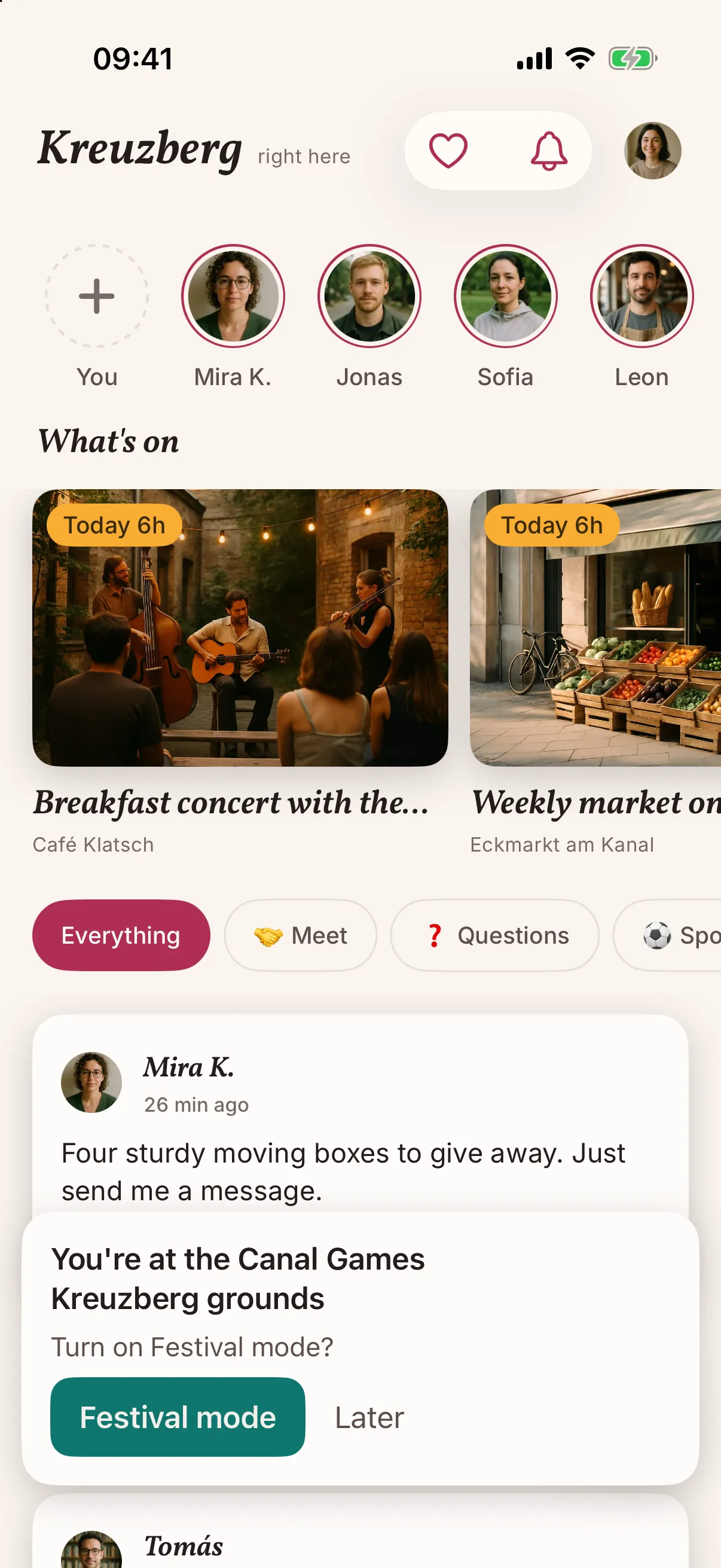
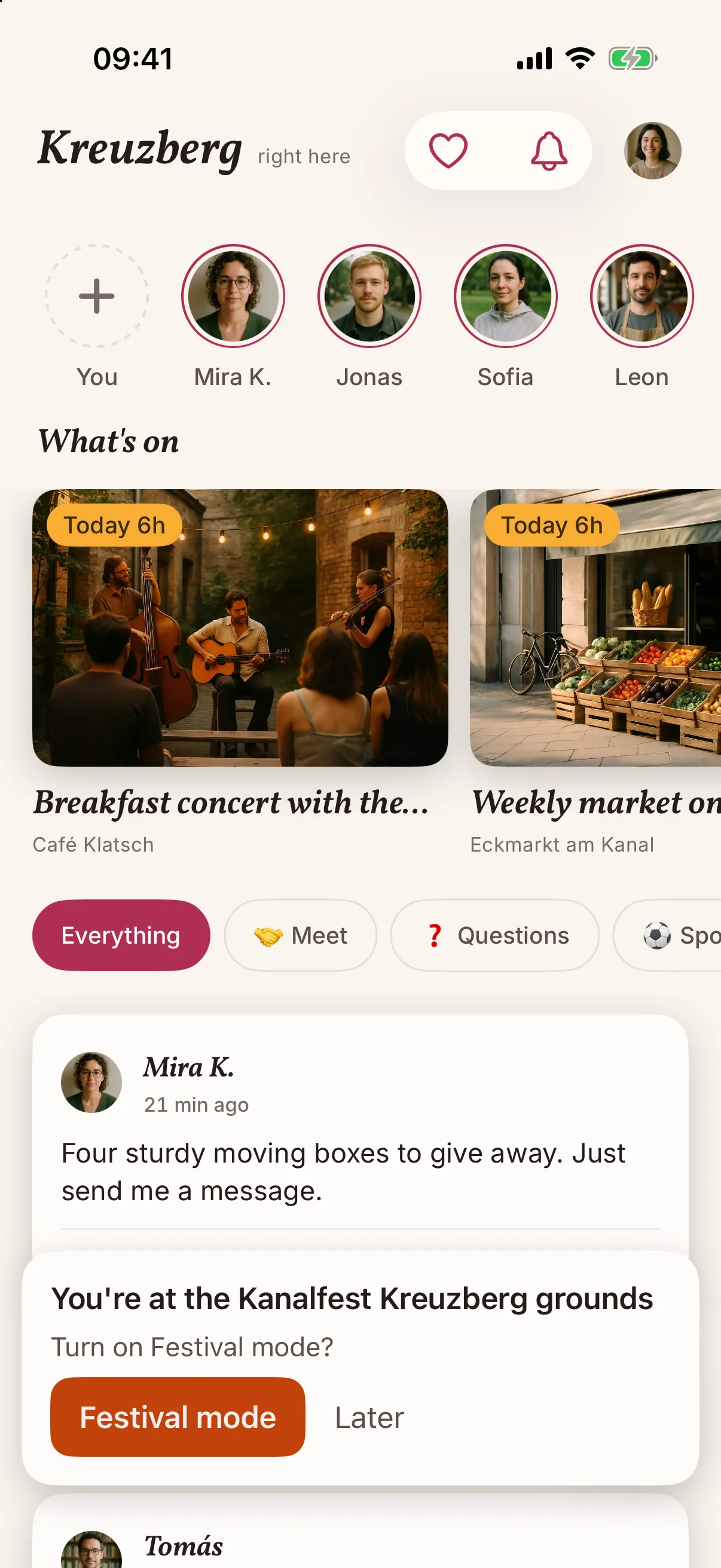
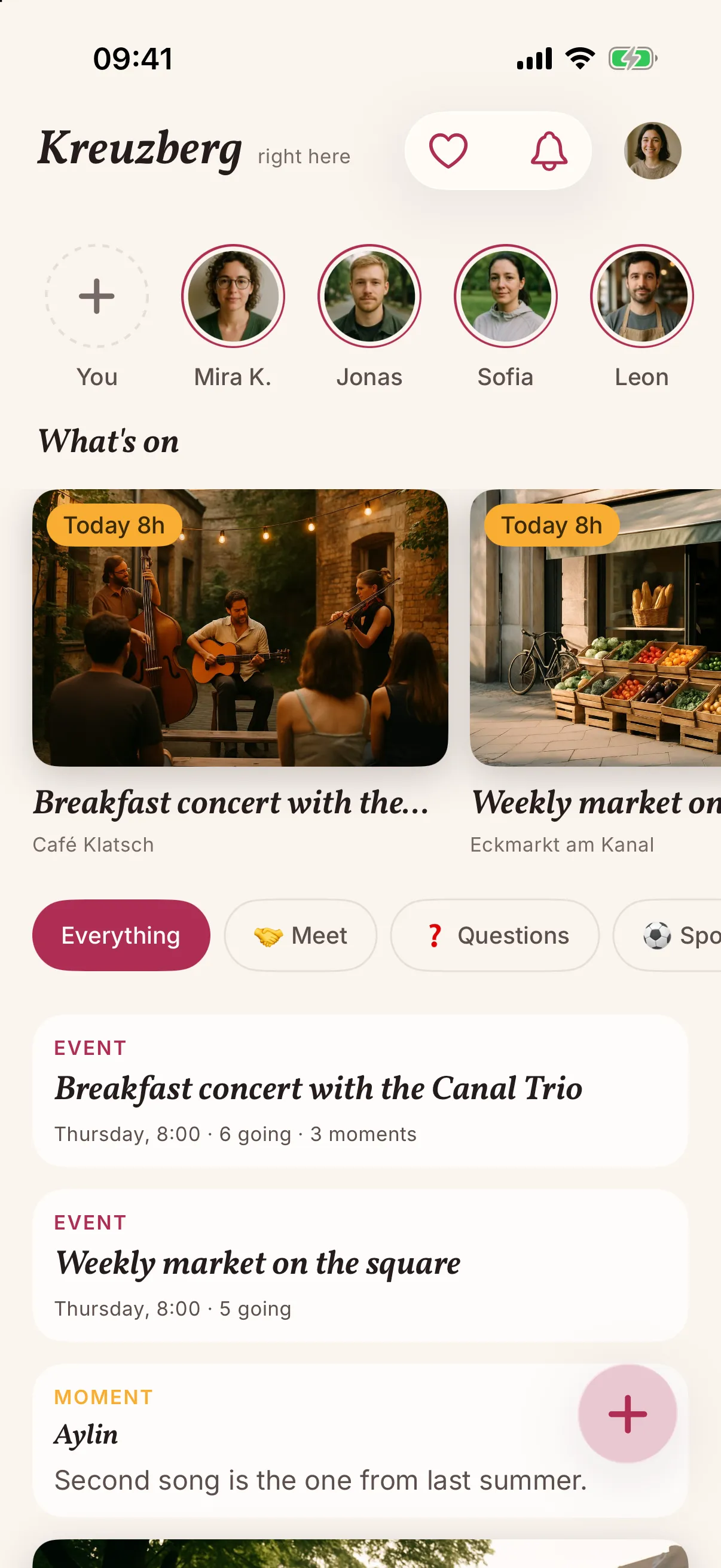
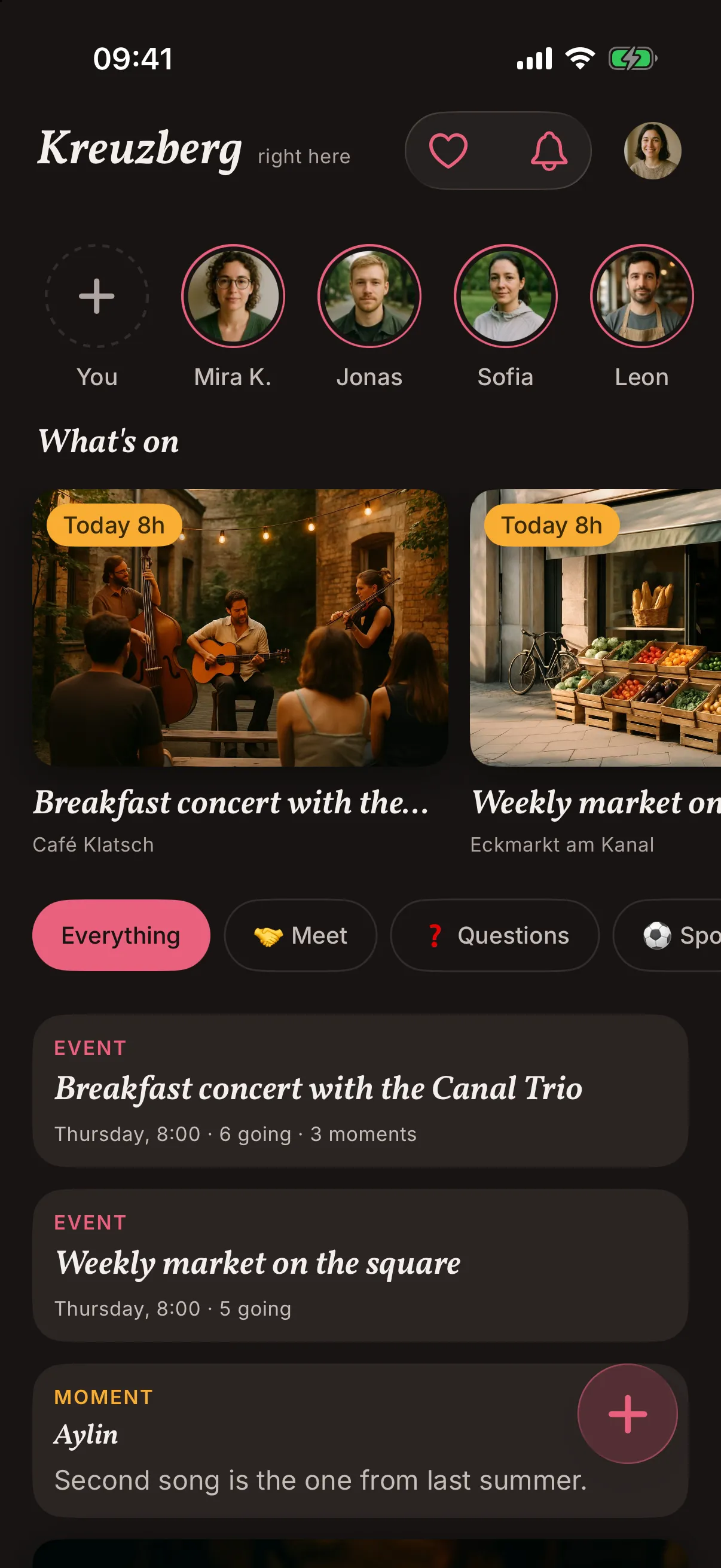
It gets a Today tag with its start time, so it stands out in What's on. Once it is over, it drops out of the feed.

Your kind of event

Pick the one that fits.

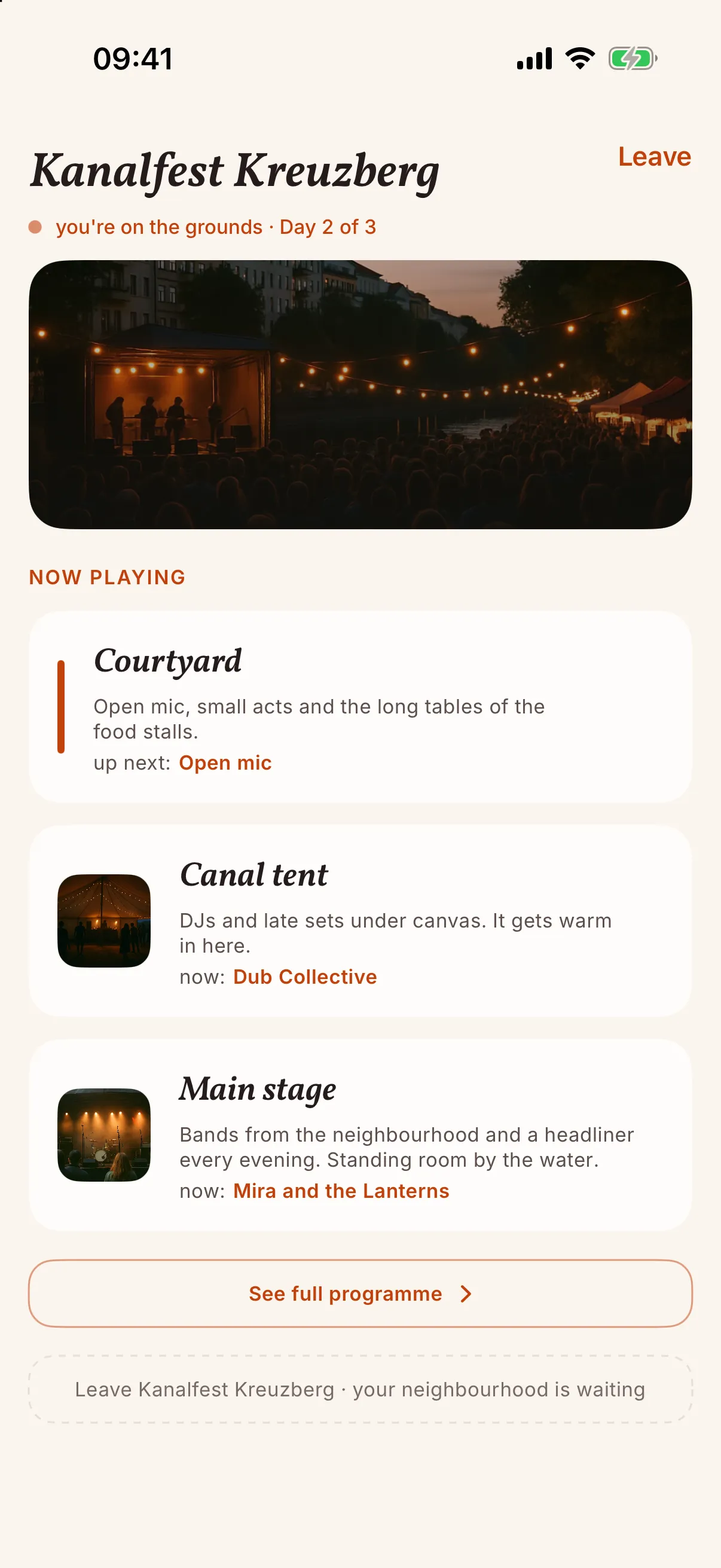
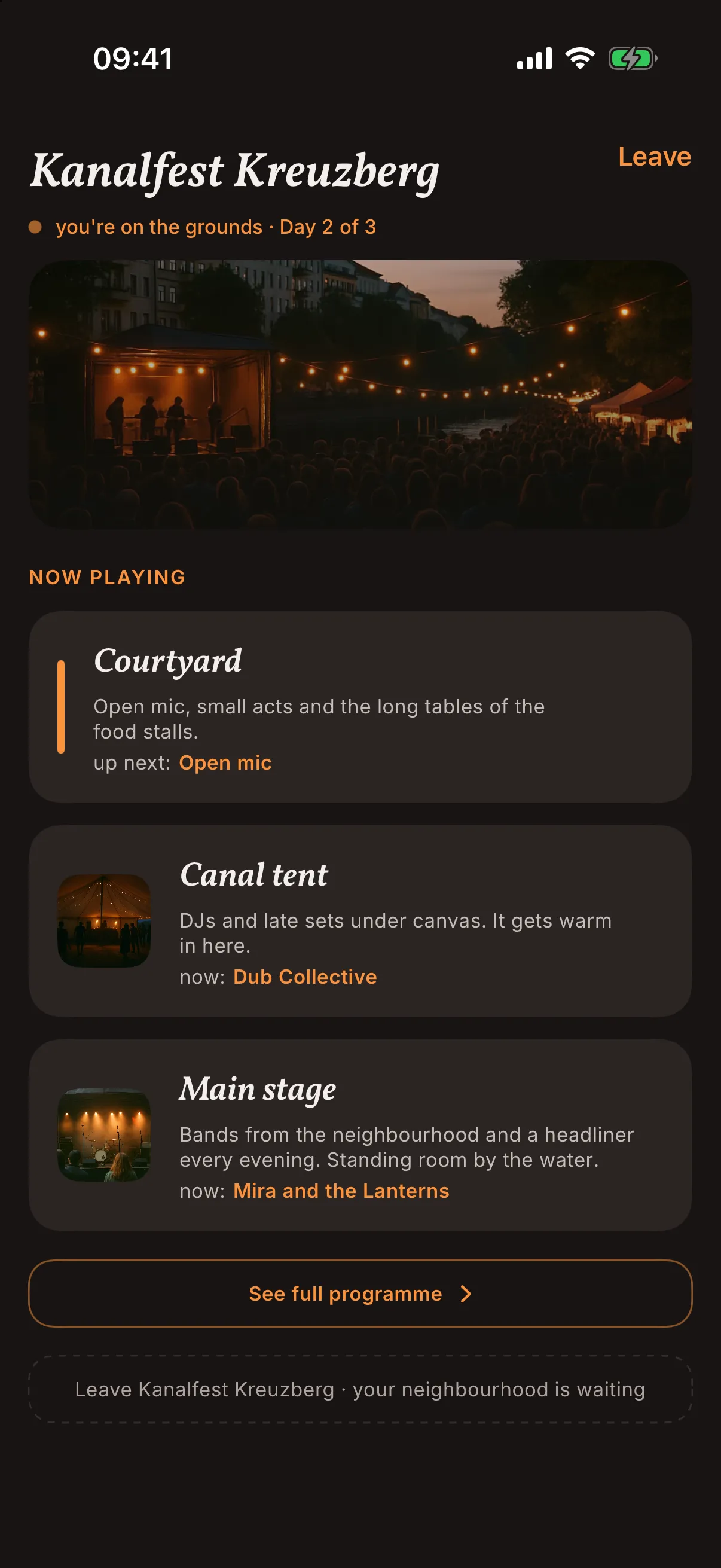
The basics are the same for every event. Choose yours to see how it looks in the app, and open its page for what is different.
See how it works for events at a place
See how it works for events of a group
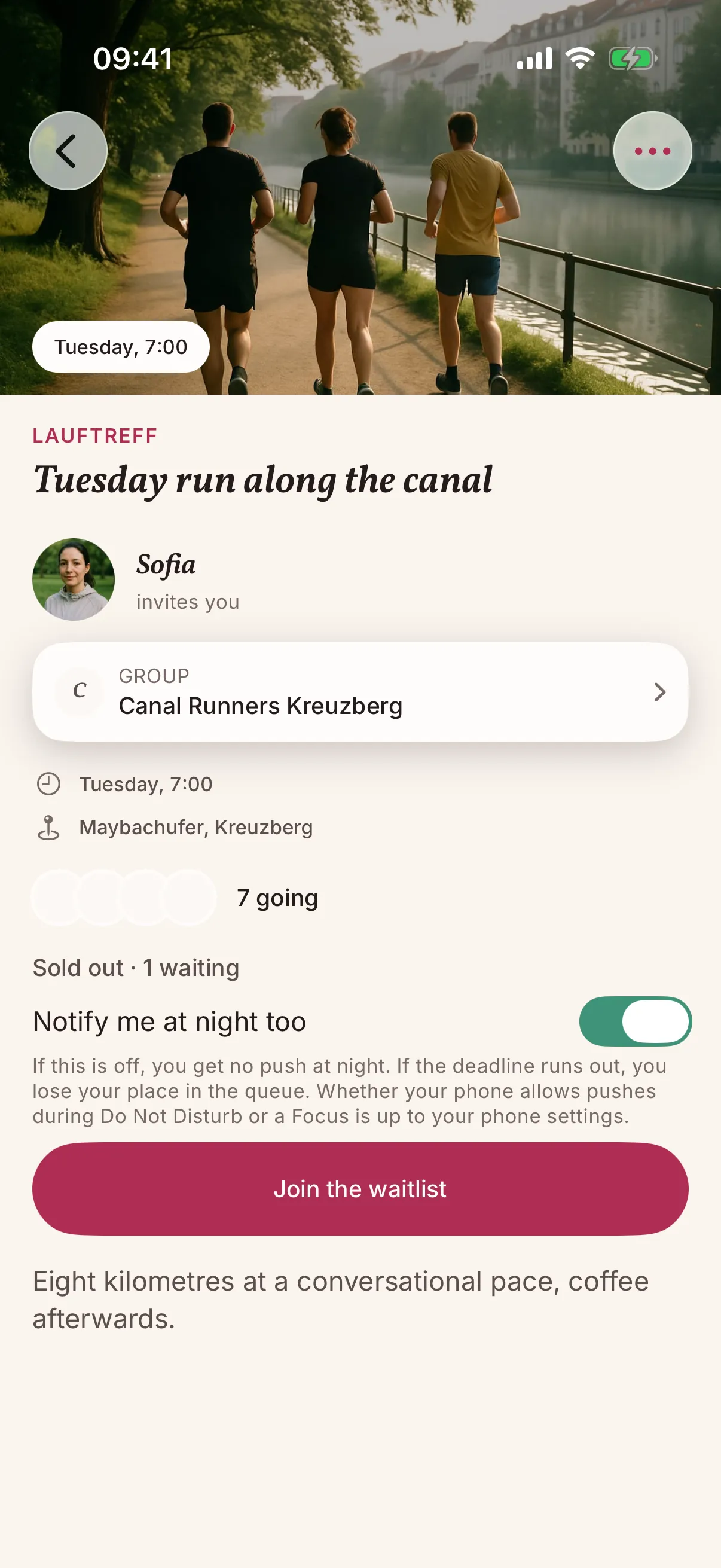
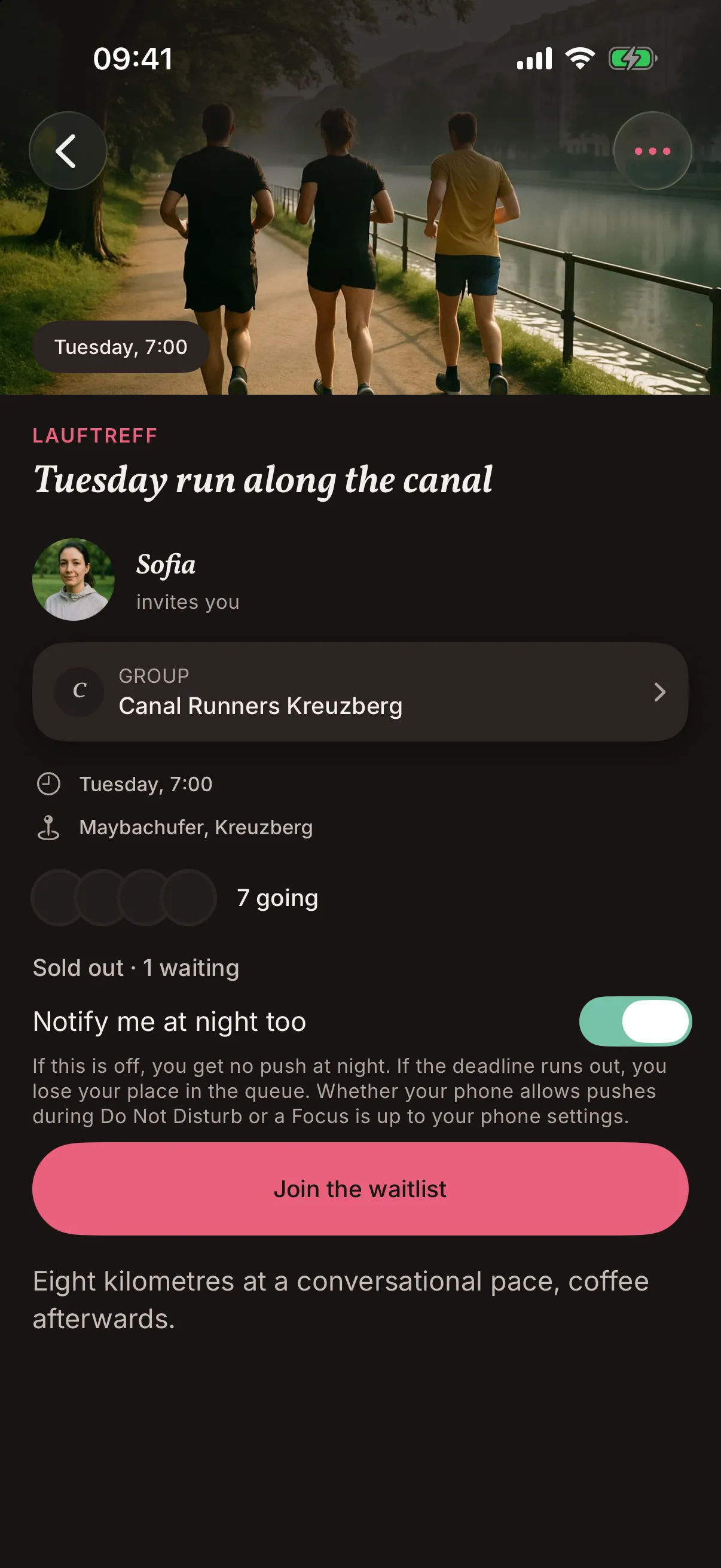
See how it works for sports events
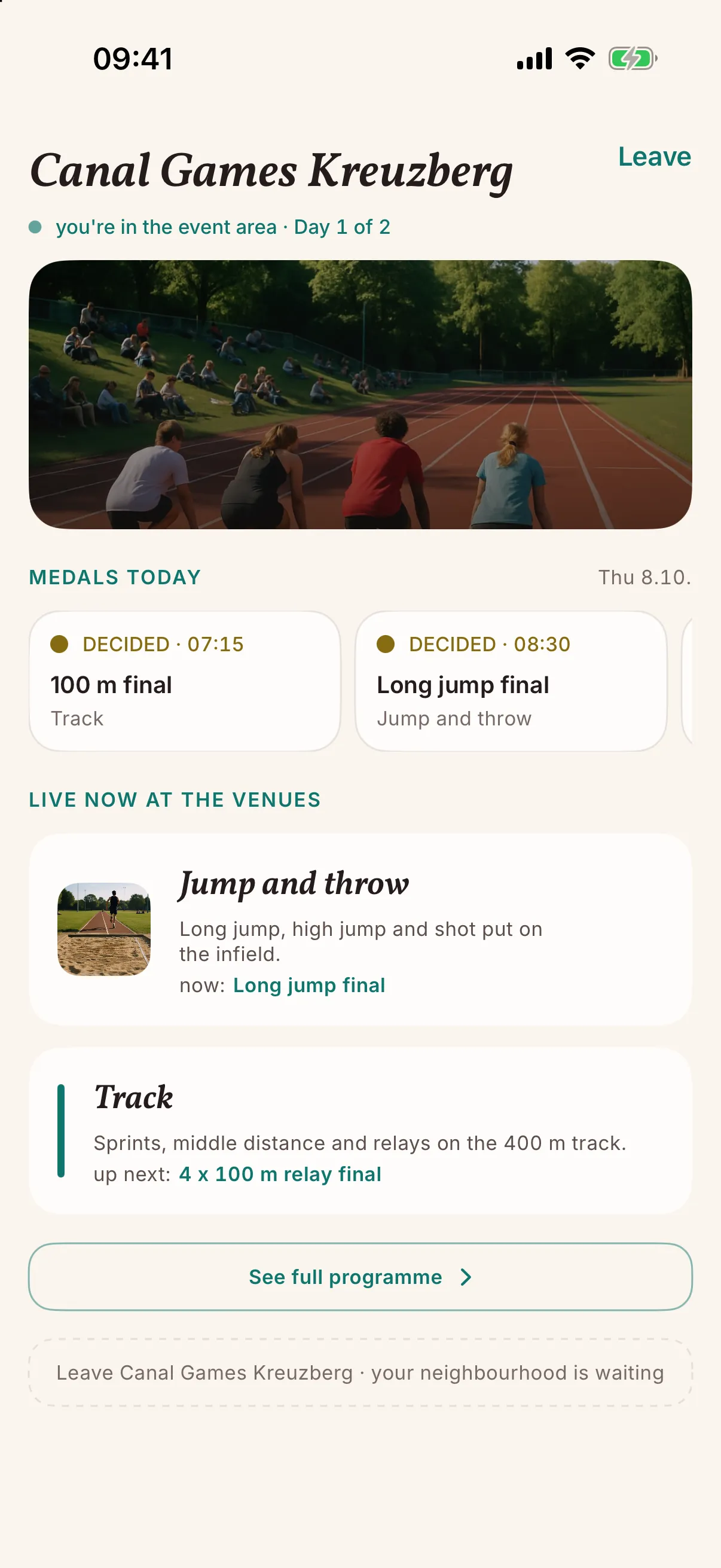
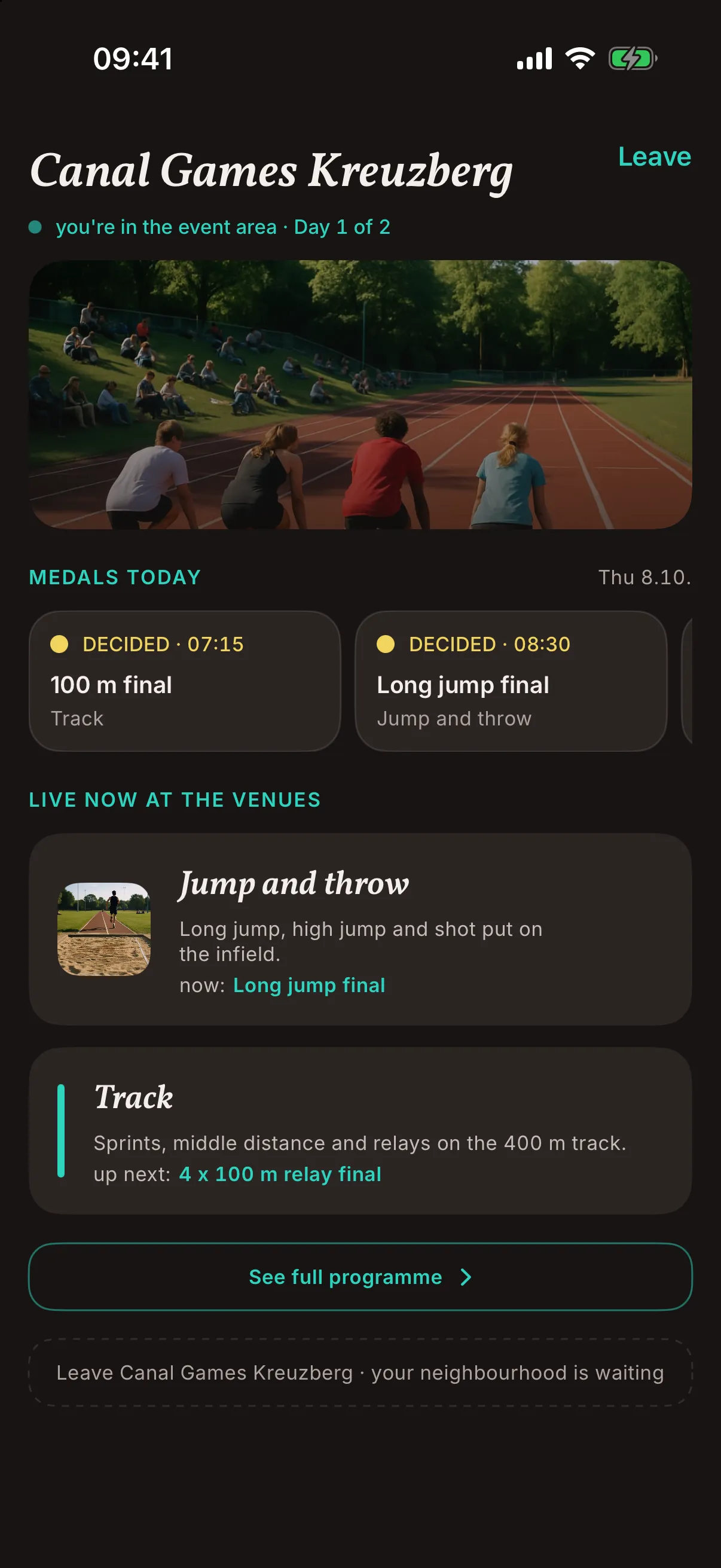
See how it works for festivals and multi-day events
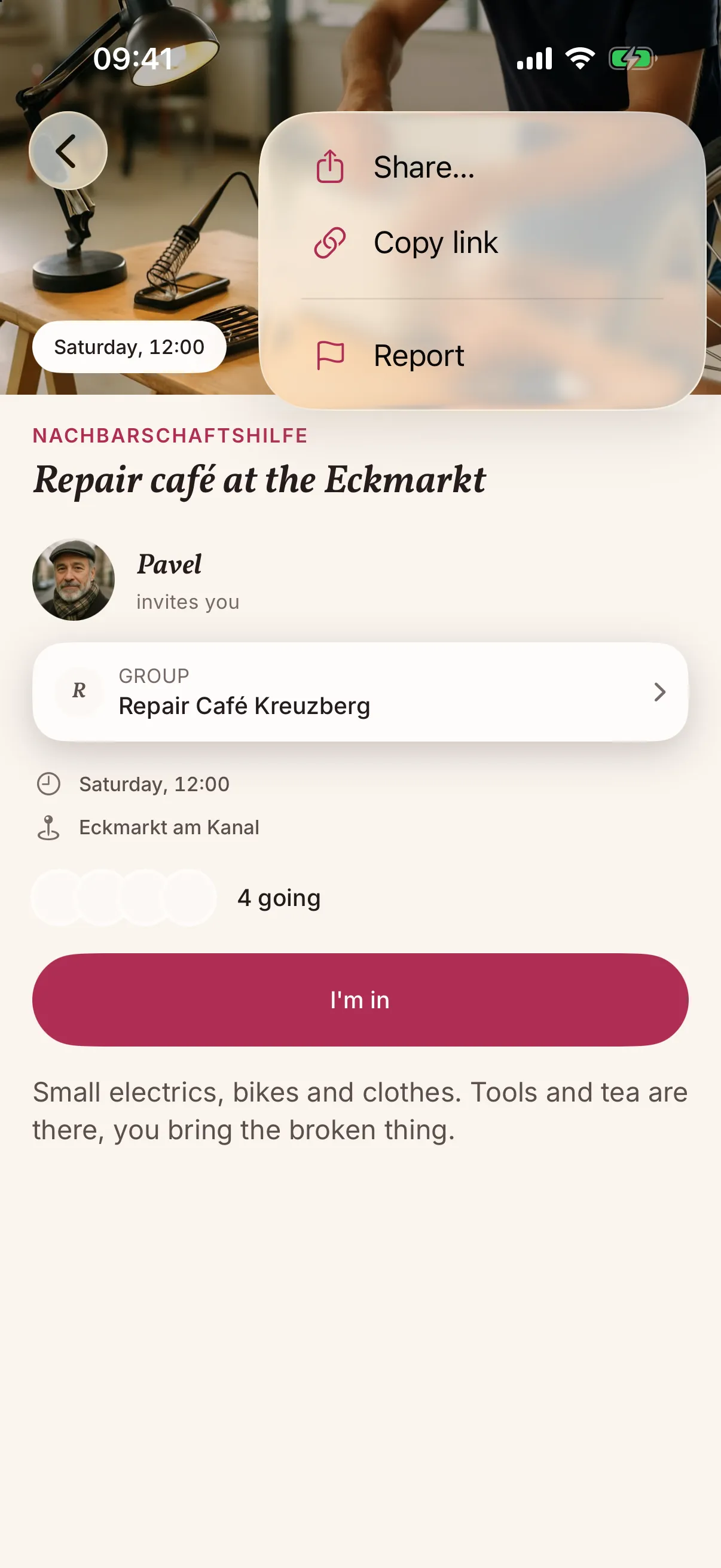
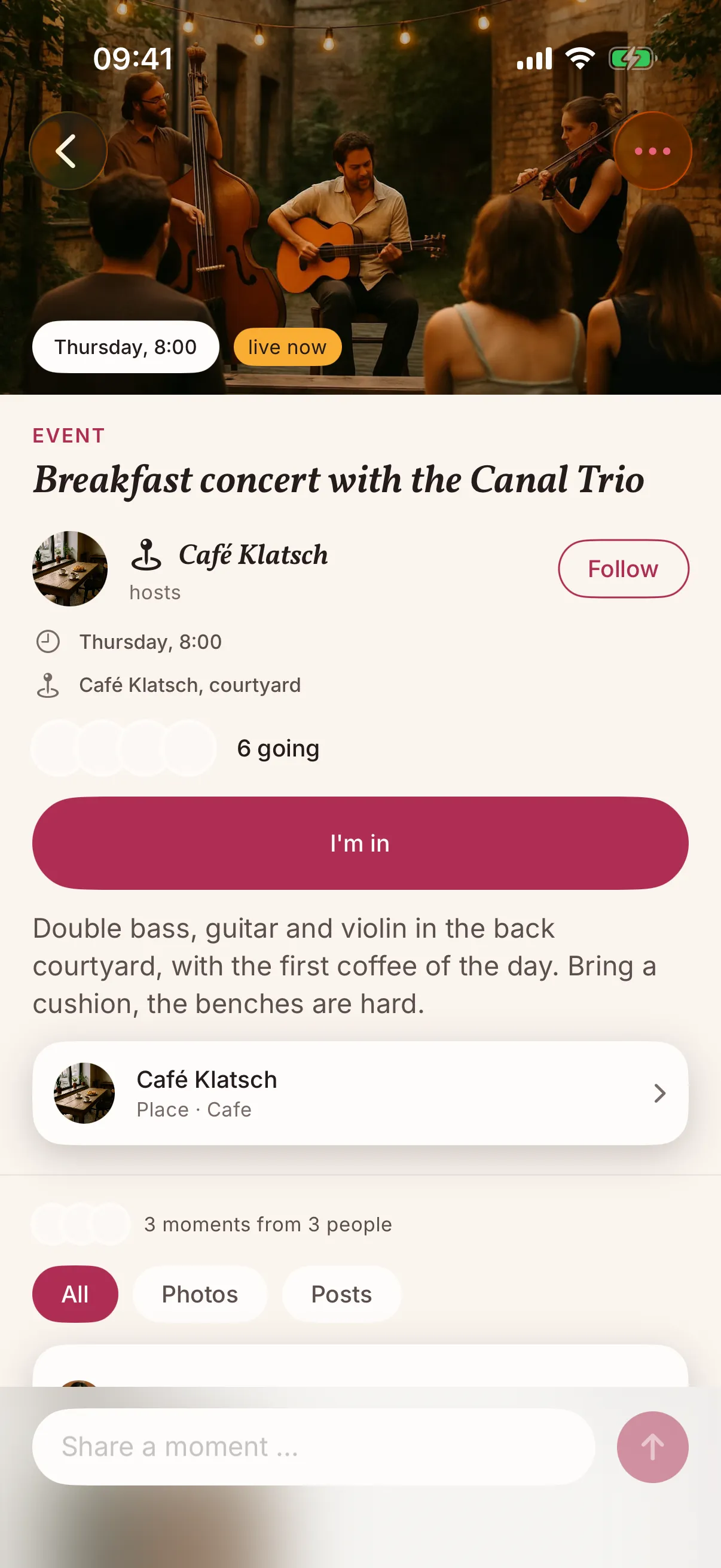
An event at a place in the snakken app: a breakfast concert at Café Klatsch, six people going, a button to say I'm in and the thread under it with a few short posts and a photo. An event at a place in the snakken app: a breakfast concert at Café Klatsch, six people going, a button to say I'm in and the thread under it with a few short posts and a photo.

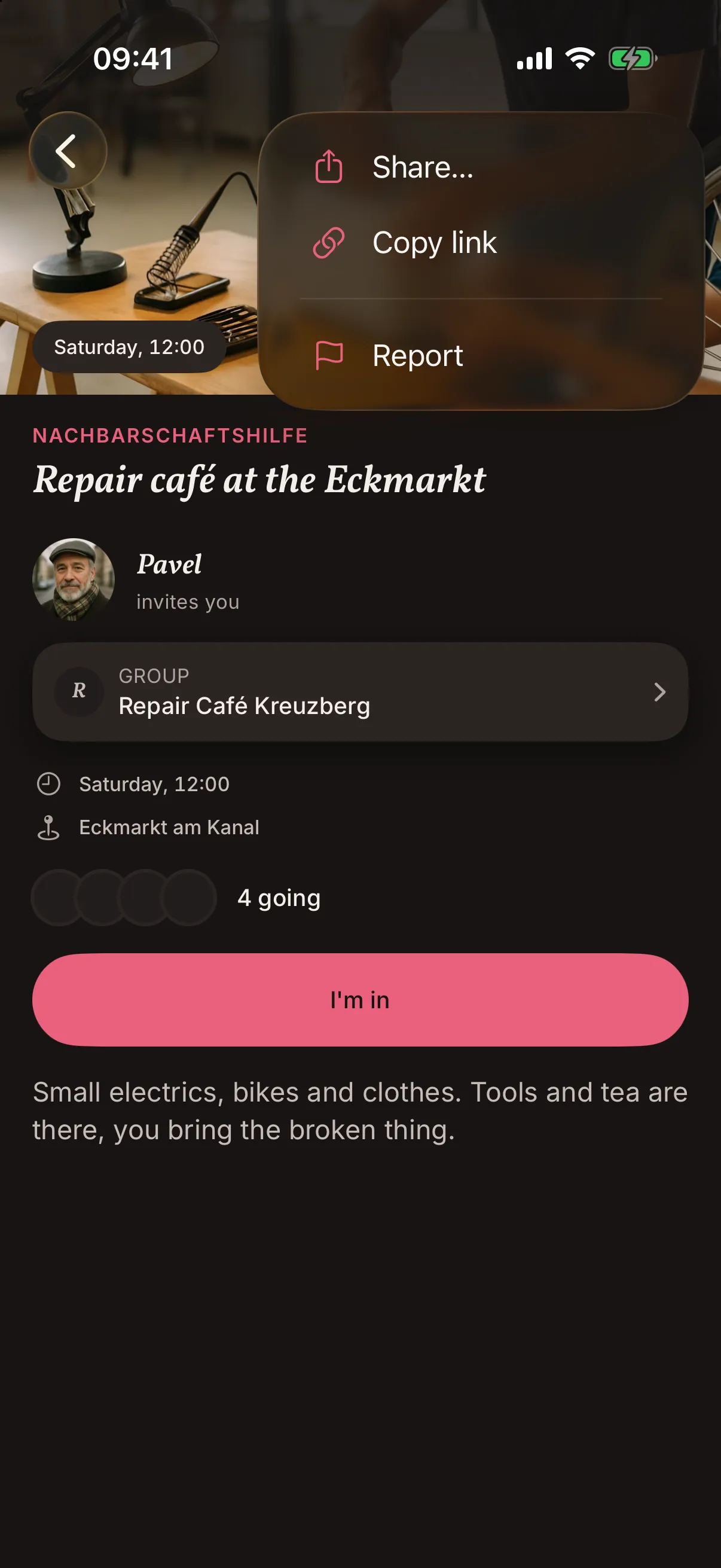
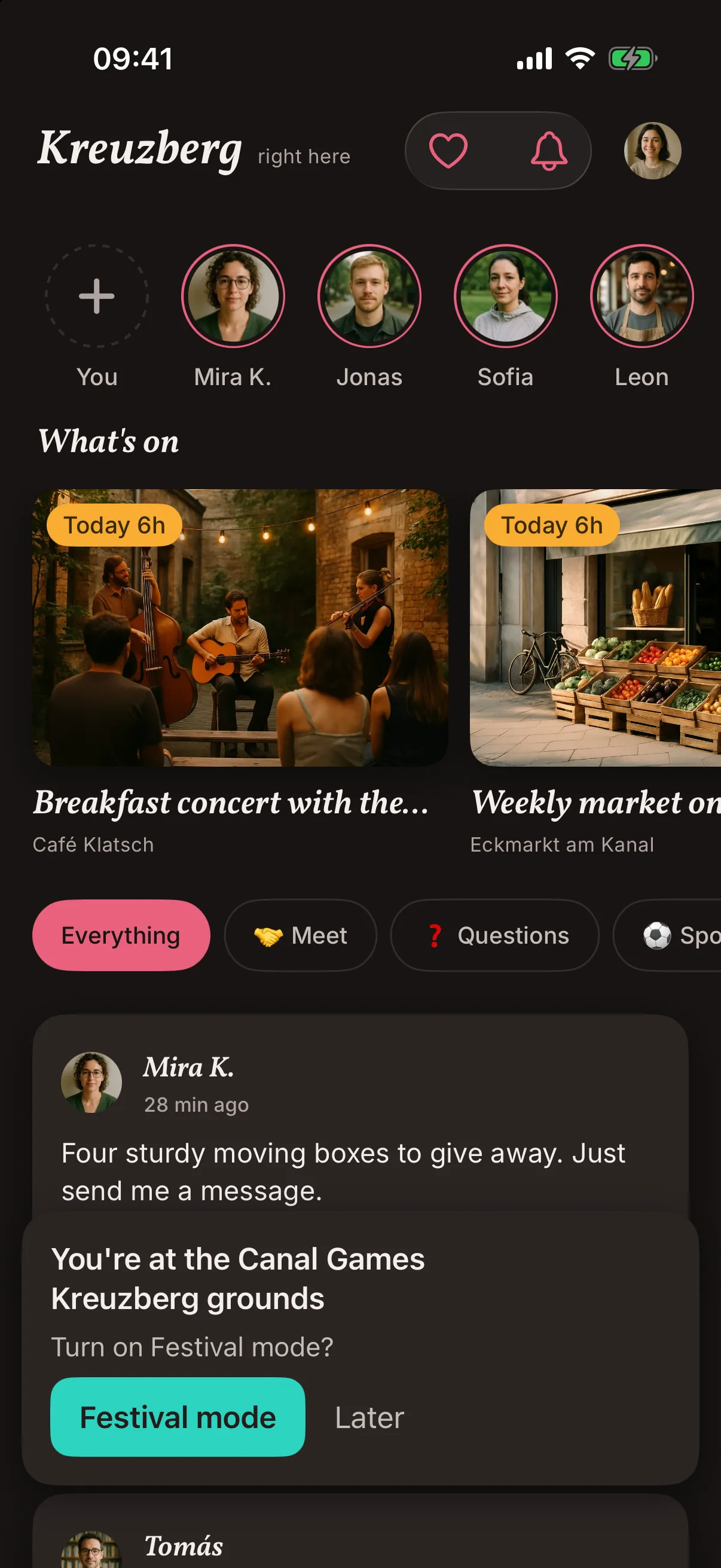
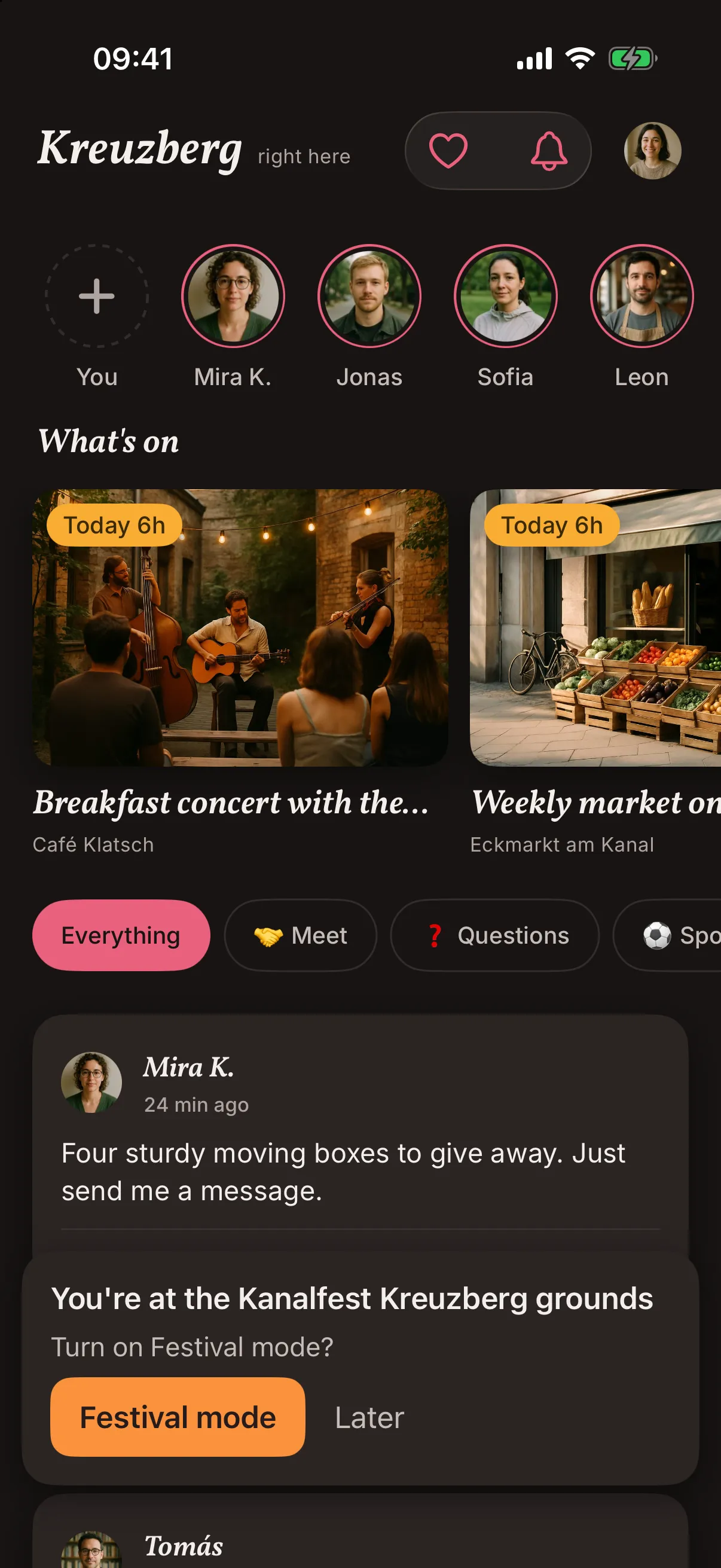
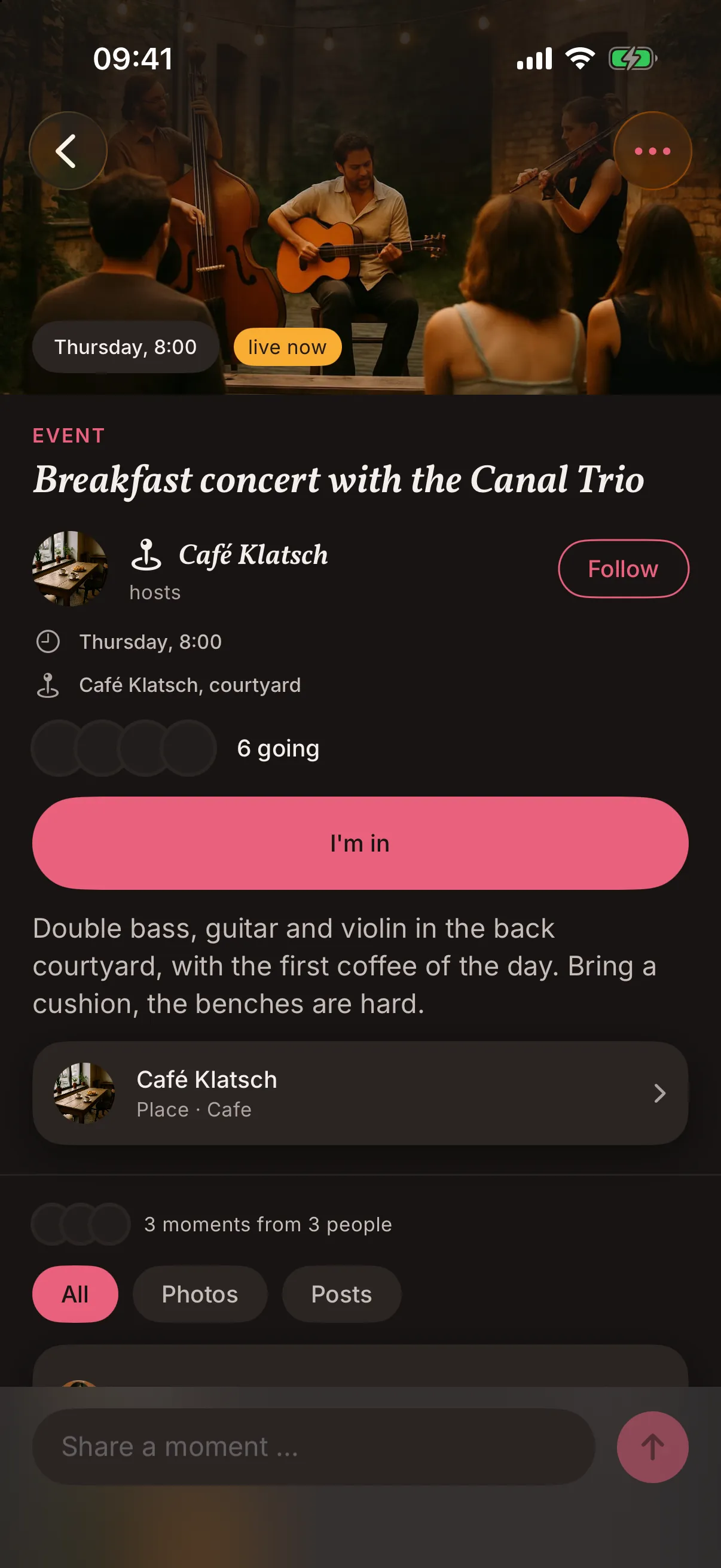
Screens from the iOS app, filled with demo content. The places, groups and people in them do not exist. Photos in a thread, the waiting list and the share menu are not released yet.

From a desk

Plan ahead from a laptop.

You can add and publish events in the app and in the web console. The console helps when you plan a whole month at a desk and want a keyboard.

Where this is going

Not there yet, on our list.

Some of these may not be available yet. We list them so you know the direction, and we are not putting a date on any of them.

Coming

Events that repeat

The Saturday flea market, entered once for the whole season. People see the next market coming up, and last week's is gone.

Coming

A waiting list

When an event is full, the next person in line gets the seat that frees up, and you do not have to juggle messages.

Coming

A link and a QR code

One link for your window, your poster and your newsletter. It opens the event in the app, and anyone without the app sees a short preview.

Coming

Word when plans change

If you move or cancel an event, everyone who said I'm in is told, so nobody stands outside a closed door.

Before you plan around it

What snakken does not do for your event.

No tickets, no payments

If you sell tickets, carry on with the shop you use now. Payments are not part of snakken, and we have not decided whether or how they would be.

No paid reach

Nearer and newer events sit higher. An event reaches the people around it, and nobody can pay to reach people further away or to pick who sees it.

No customer lists

You get a number for each event. Who is behind it, and how to reach them, stays private.

Questions from people who run events.

Where does my event show up?

In the feed of people in the area around it, and under What's on in the week it happens.

Do I need a place to host an event?

You need one or the other, a place or a group. A market on a square can be a place of its own, and a regular run usually belongs to a group.

Can I sell tickets through snakken?

No. An I'm in only says someone plans to come, so keep your ticket shop where it is.

What does it cost?

We have not settled on pricing, so there is no price list yet. If you are budgeting for a season of events, write and we will tell you what we know.

Also for you

More on snakken for business

Say hello

Tell us about your event.

A few lines are enough: what it is, when and where, and how many people you expect. You hear back what works for your event now and what does not yet.

This opens your mail app. There is no form and no tracking behind it.