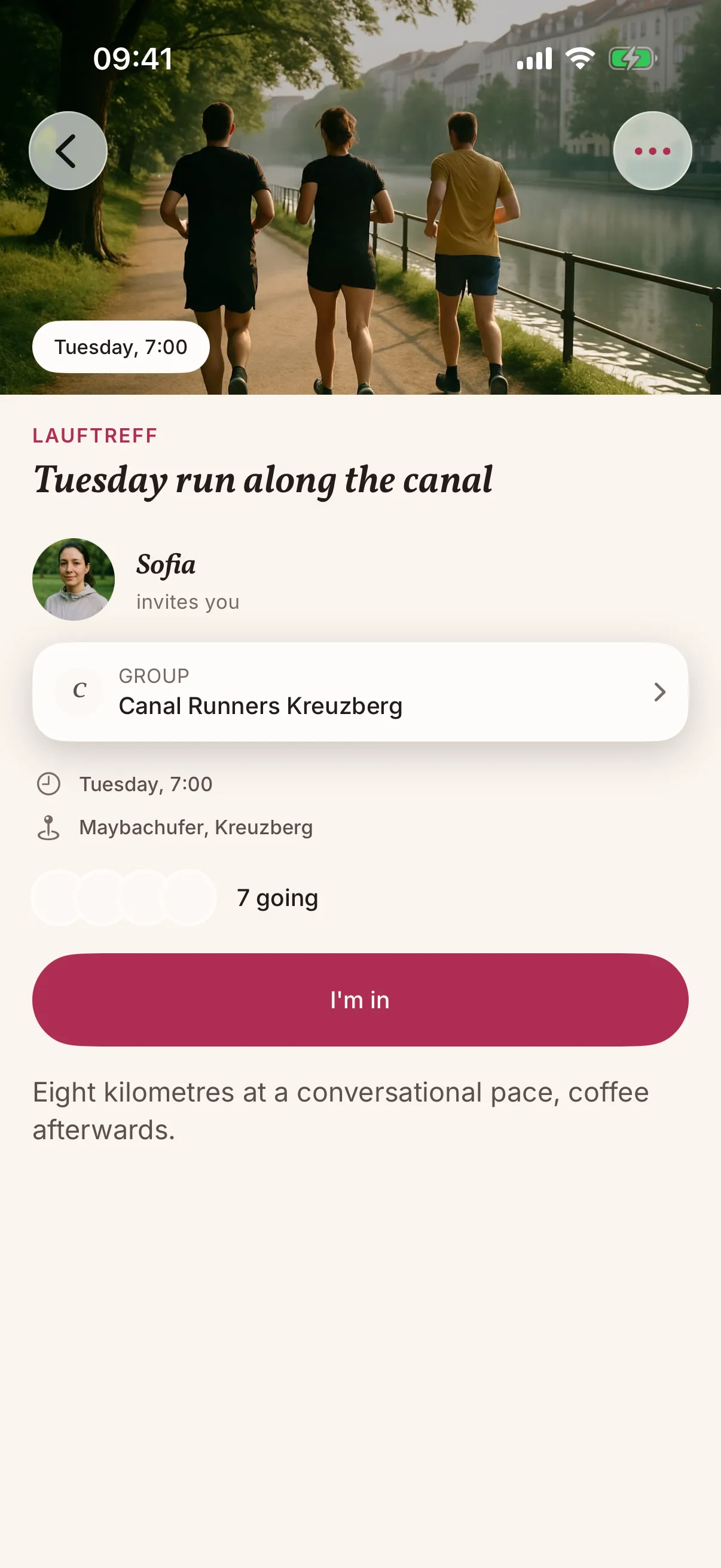
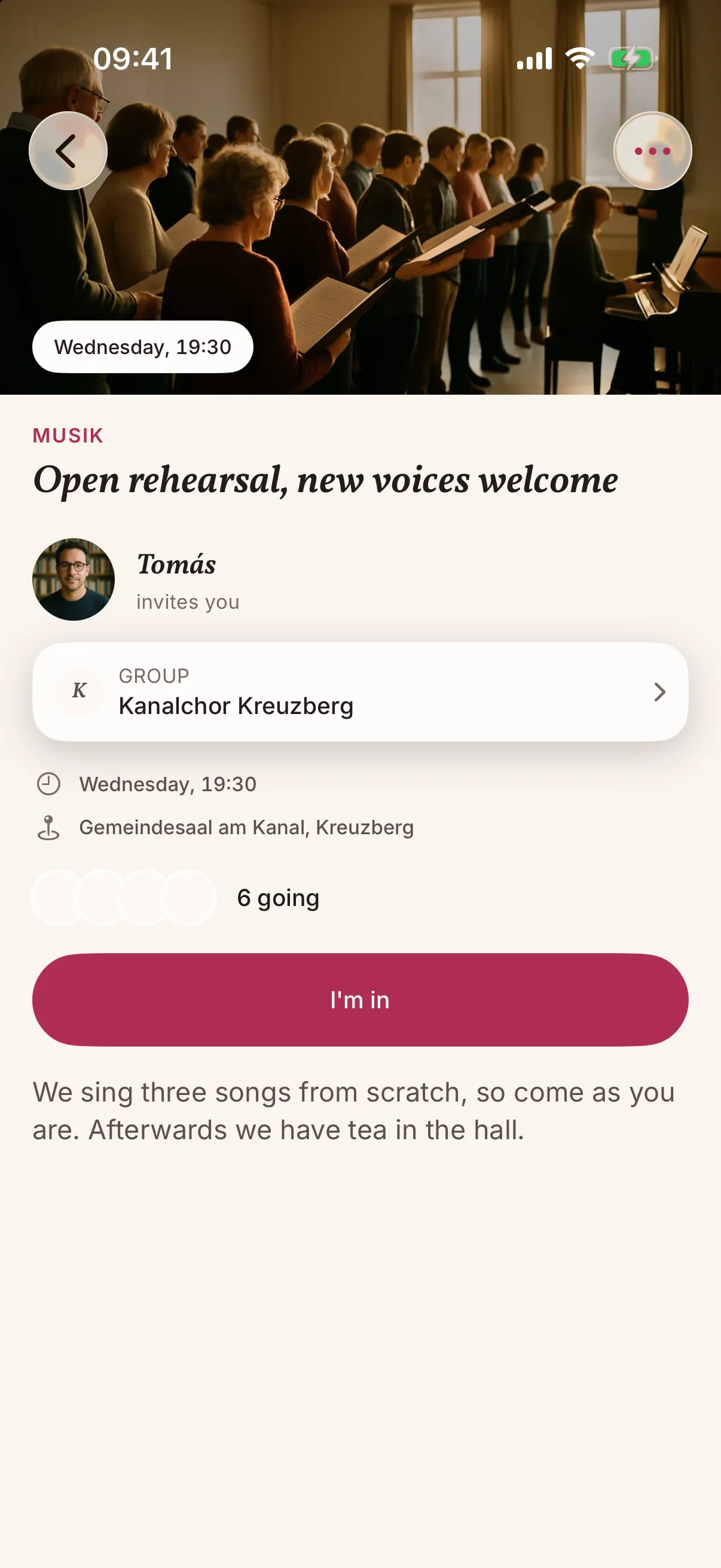
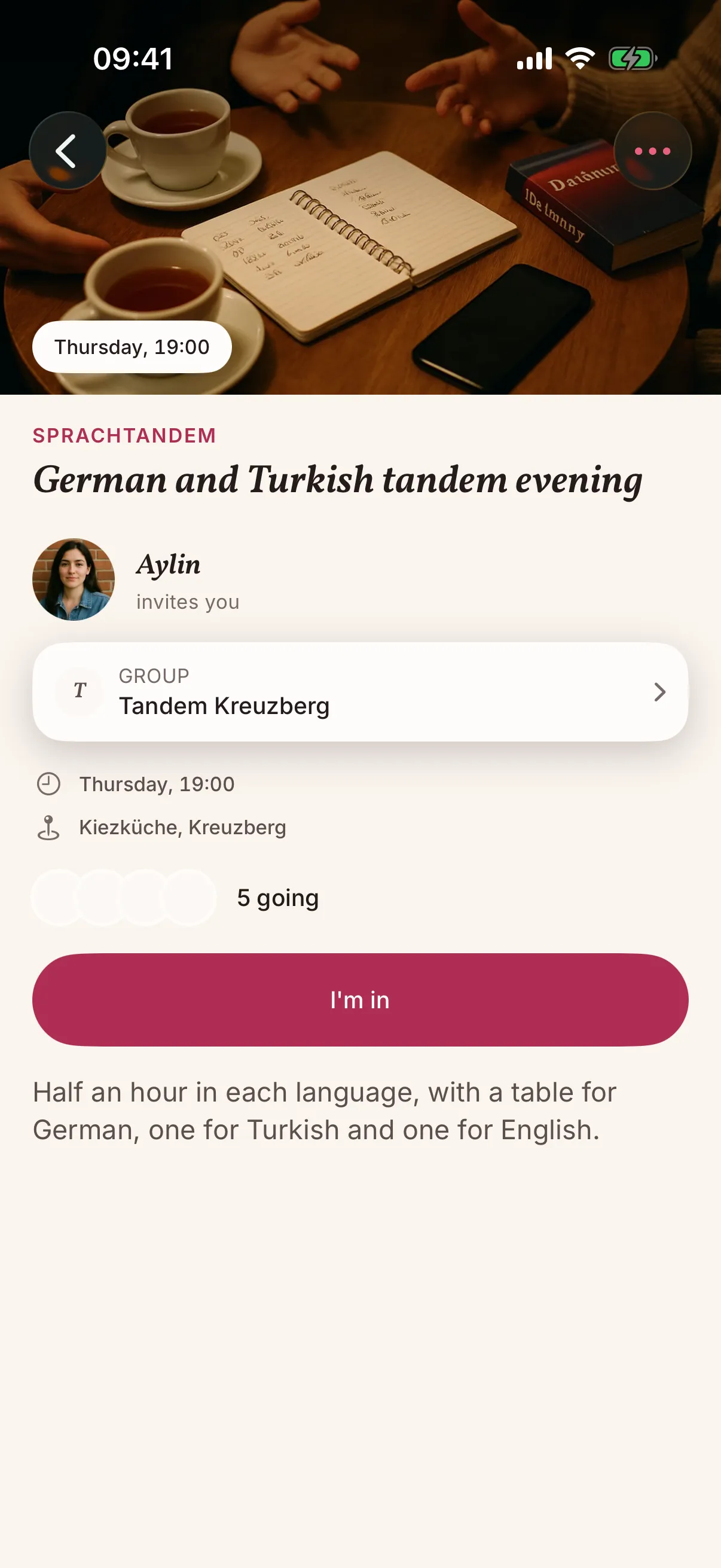
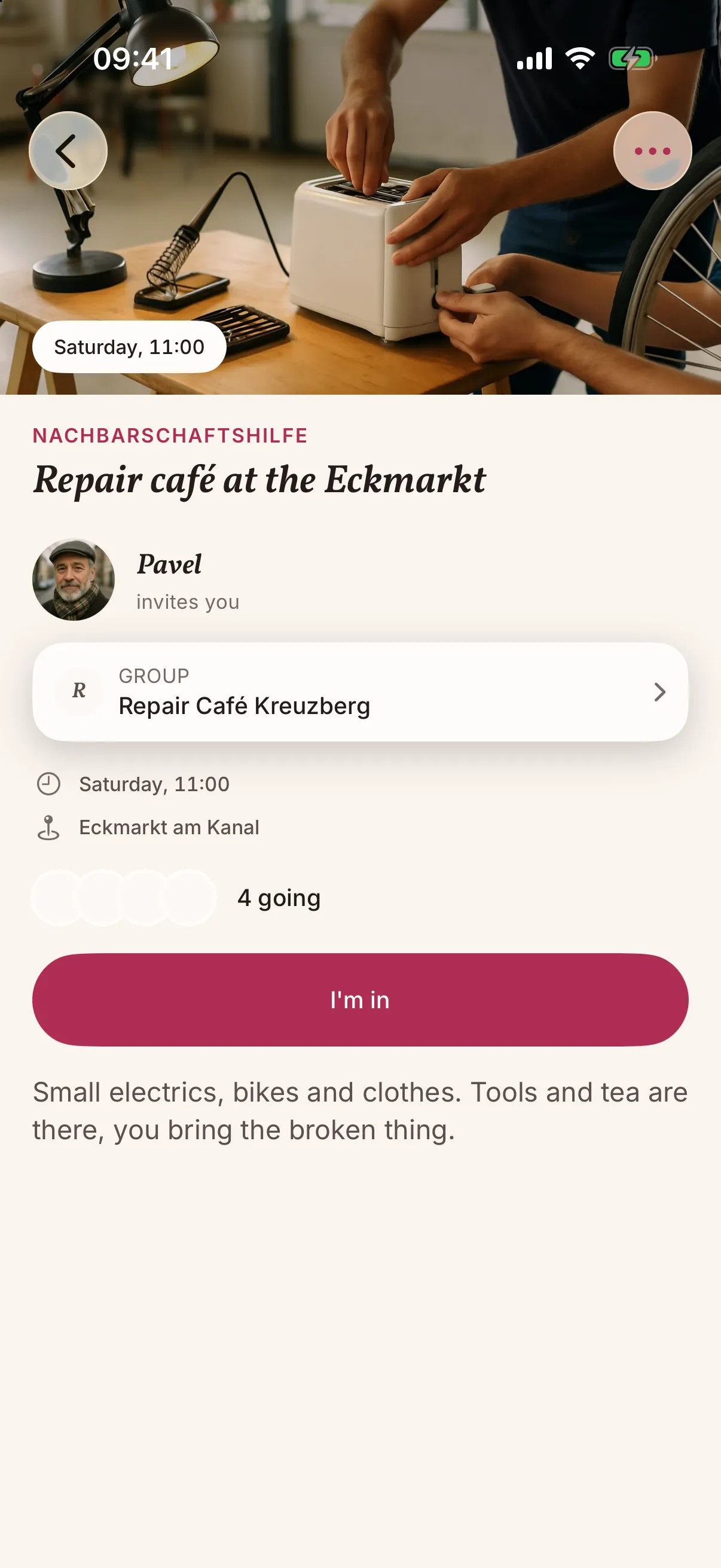
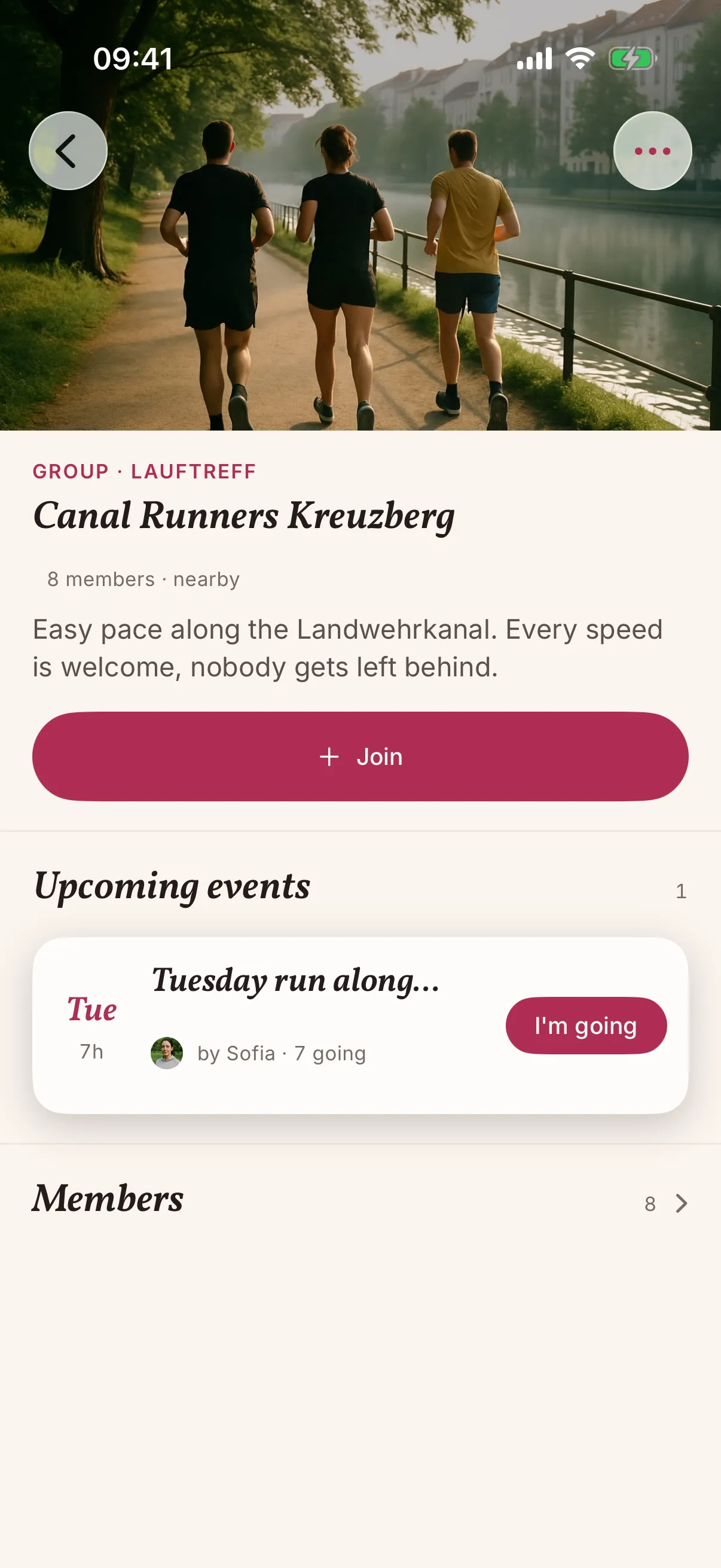
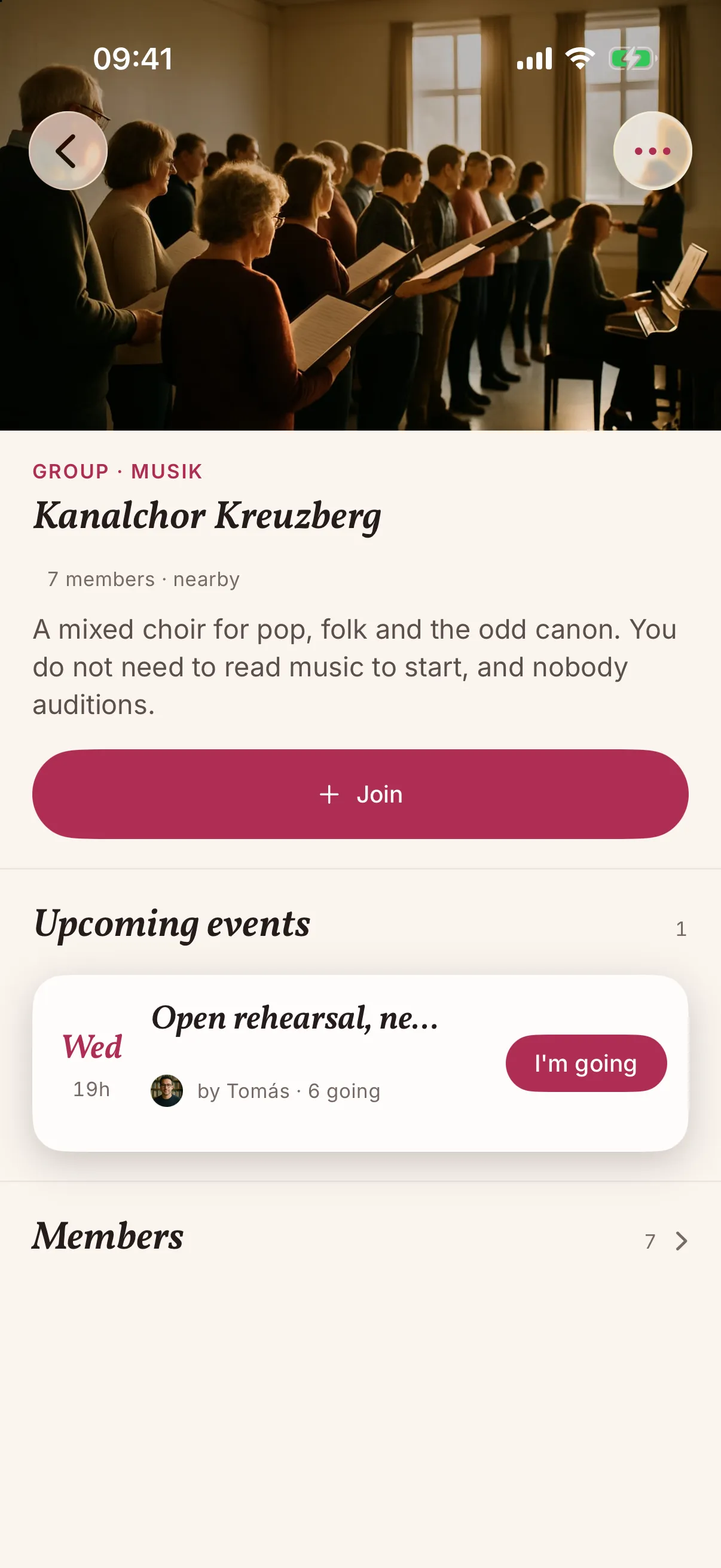
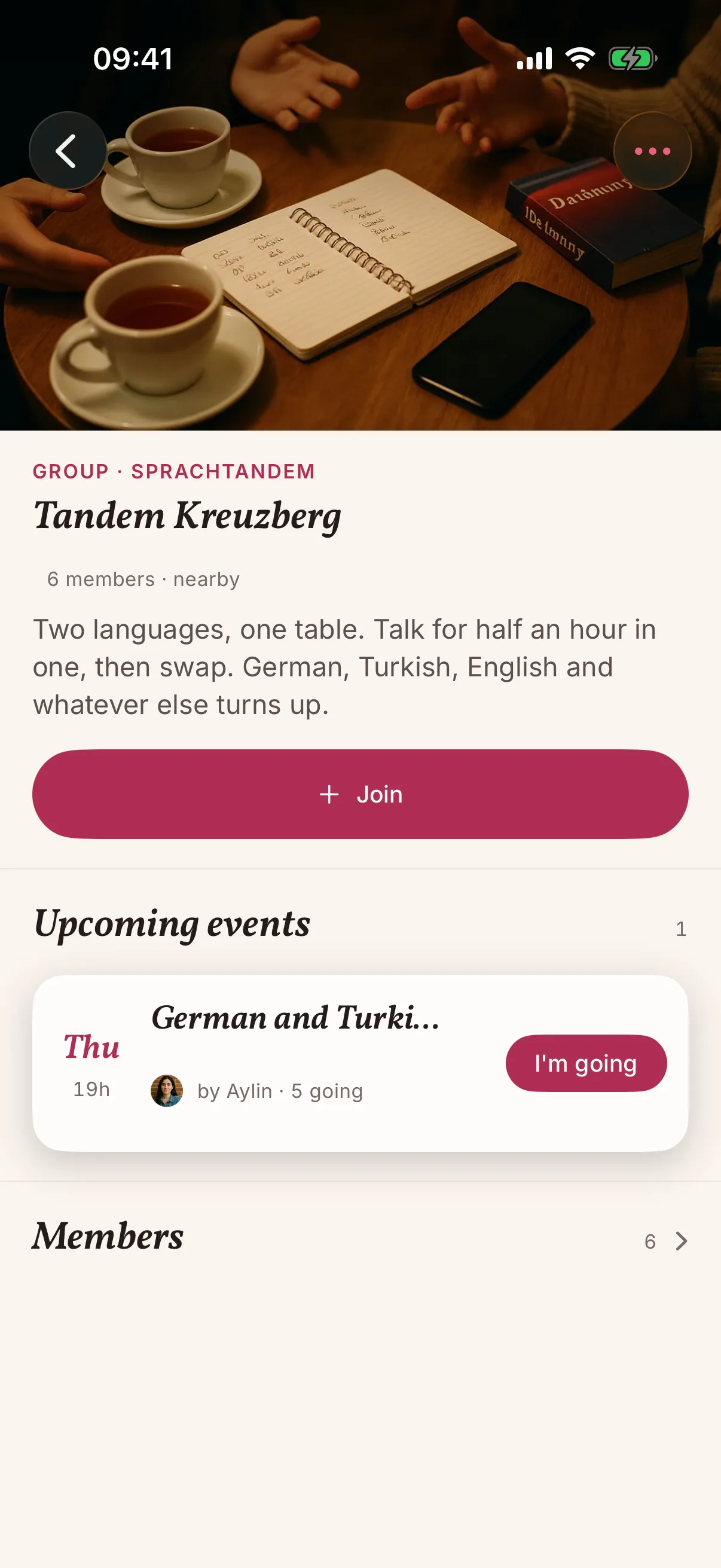
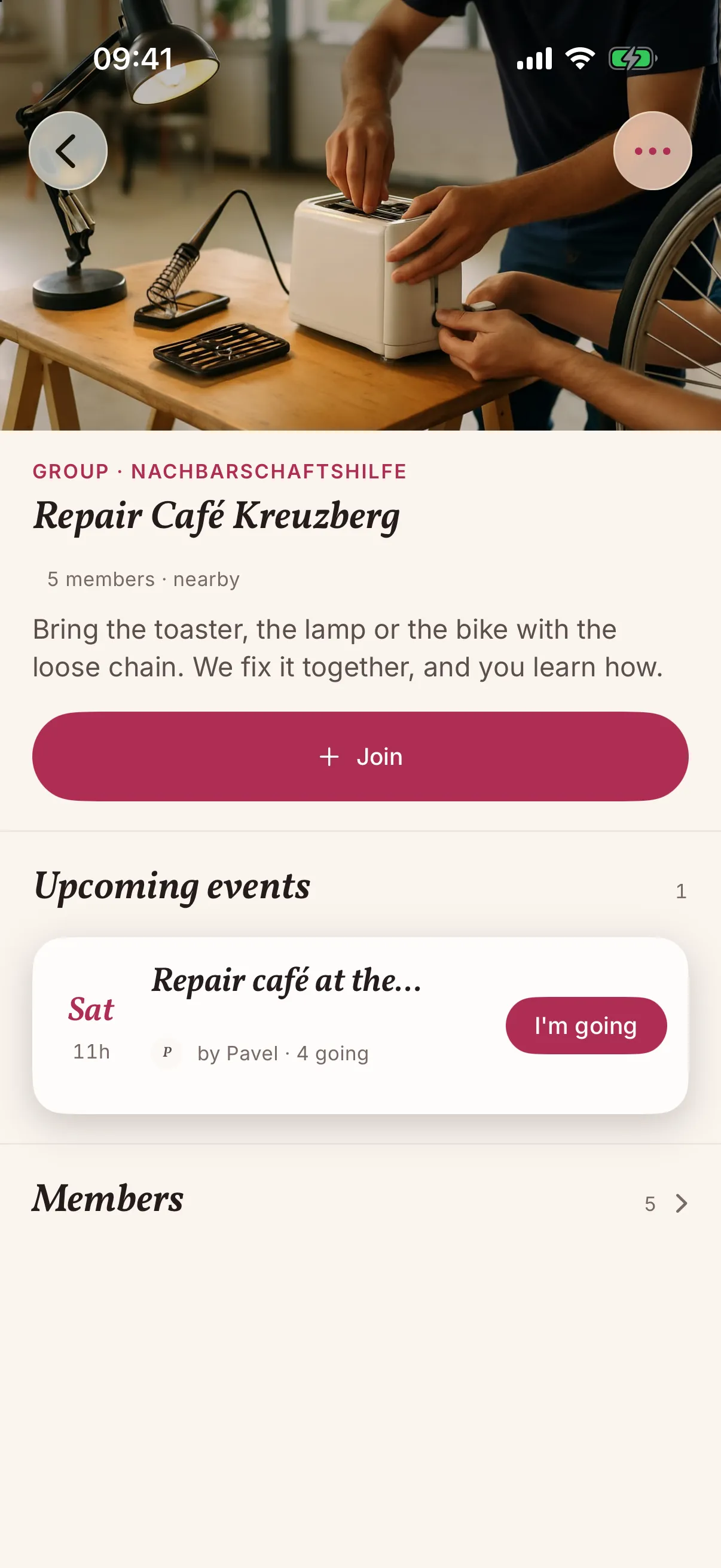
A group is where the same people meet on the same day, like the choir or the repair café. Start one, add the next event, and people nearby can see it and join.
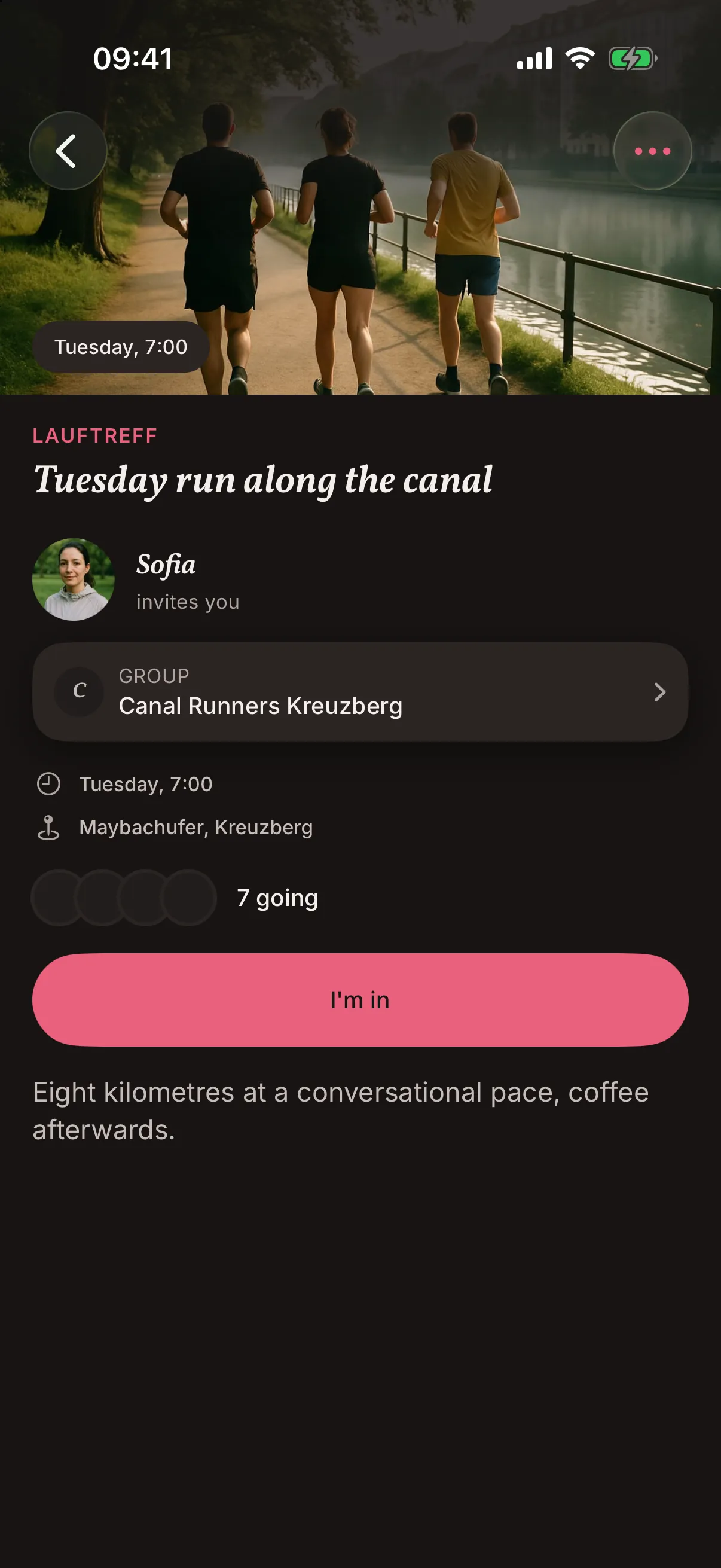
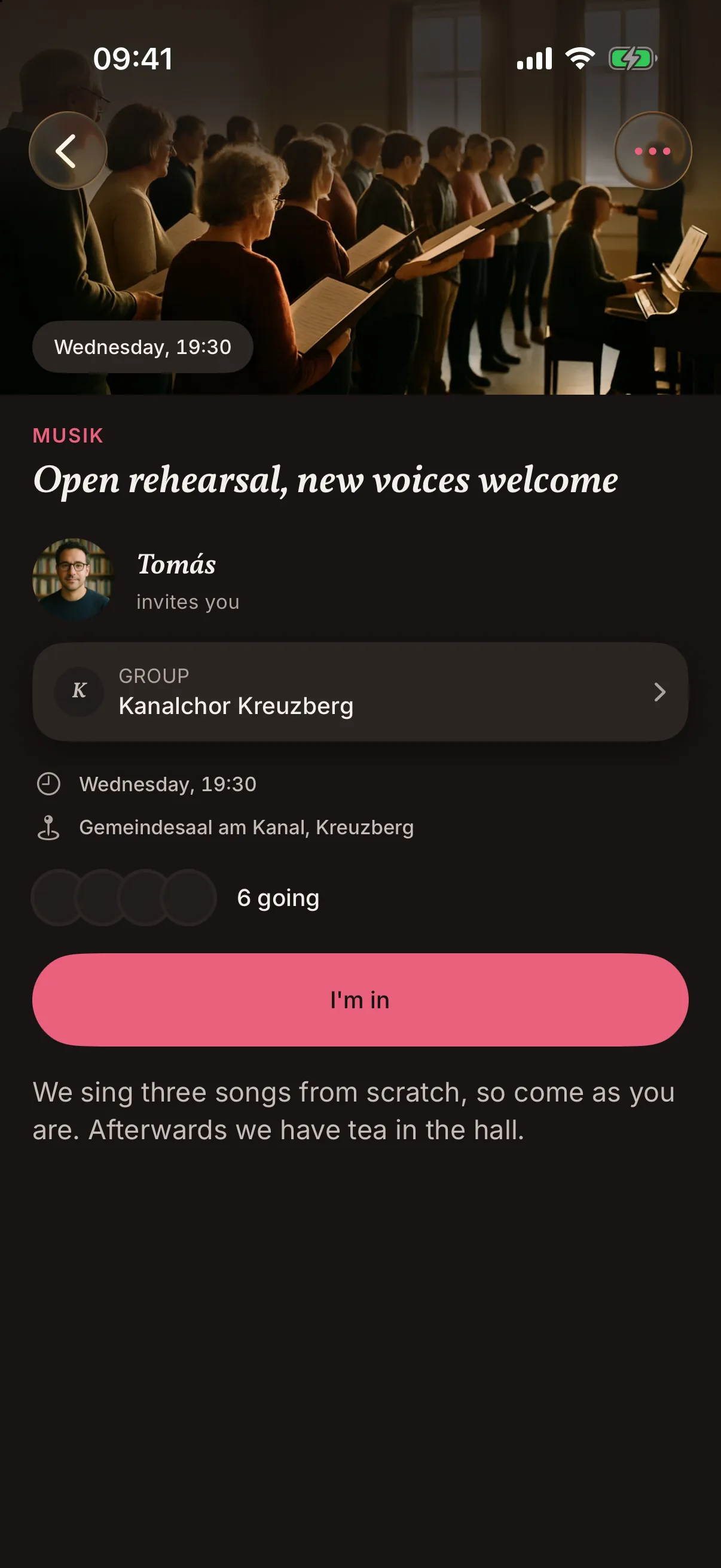
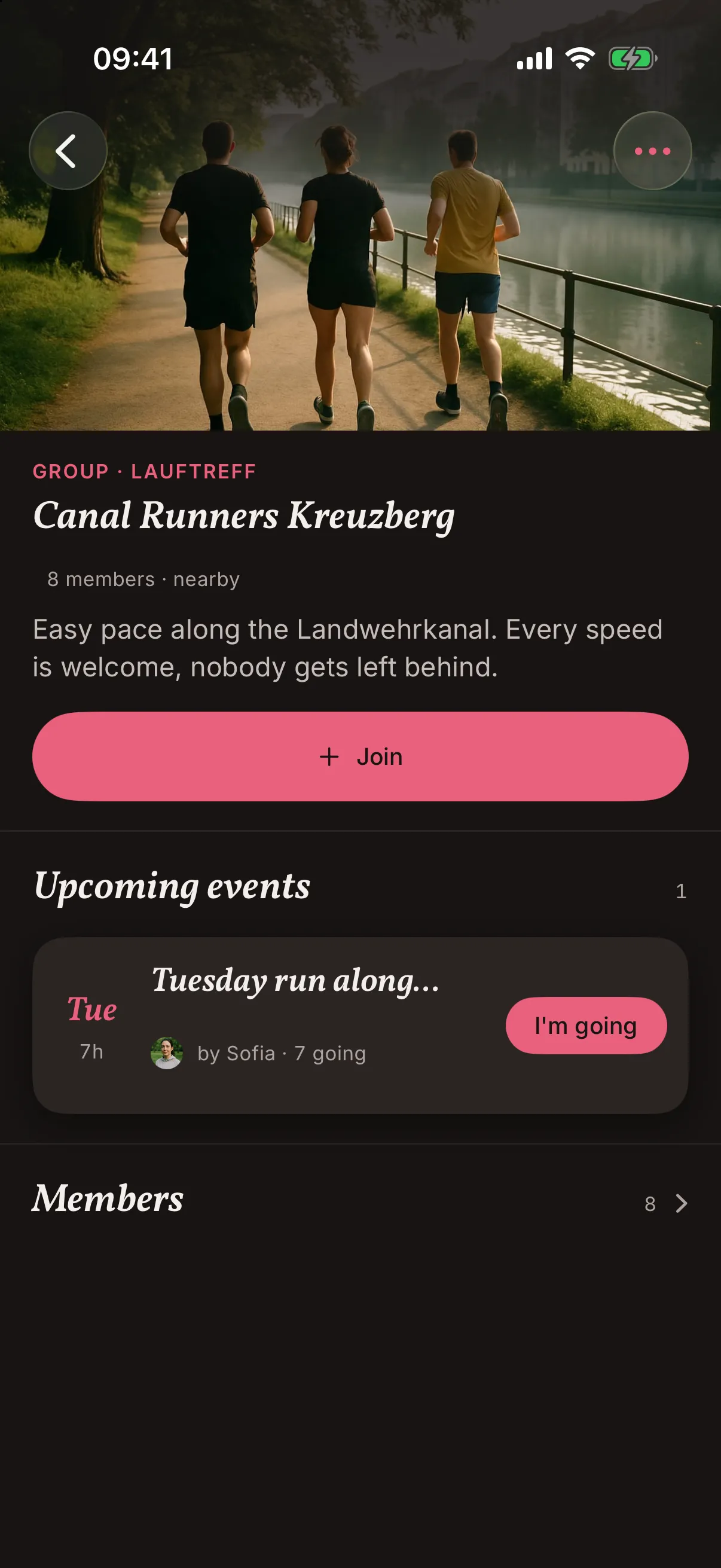
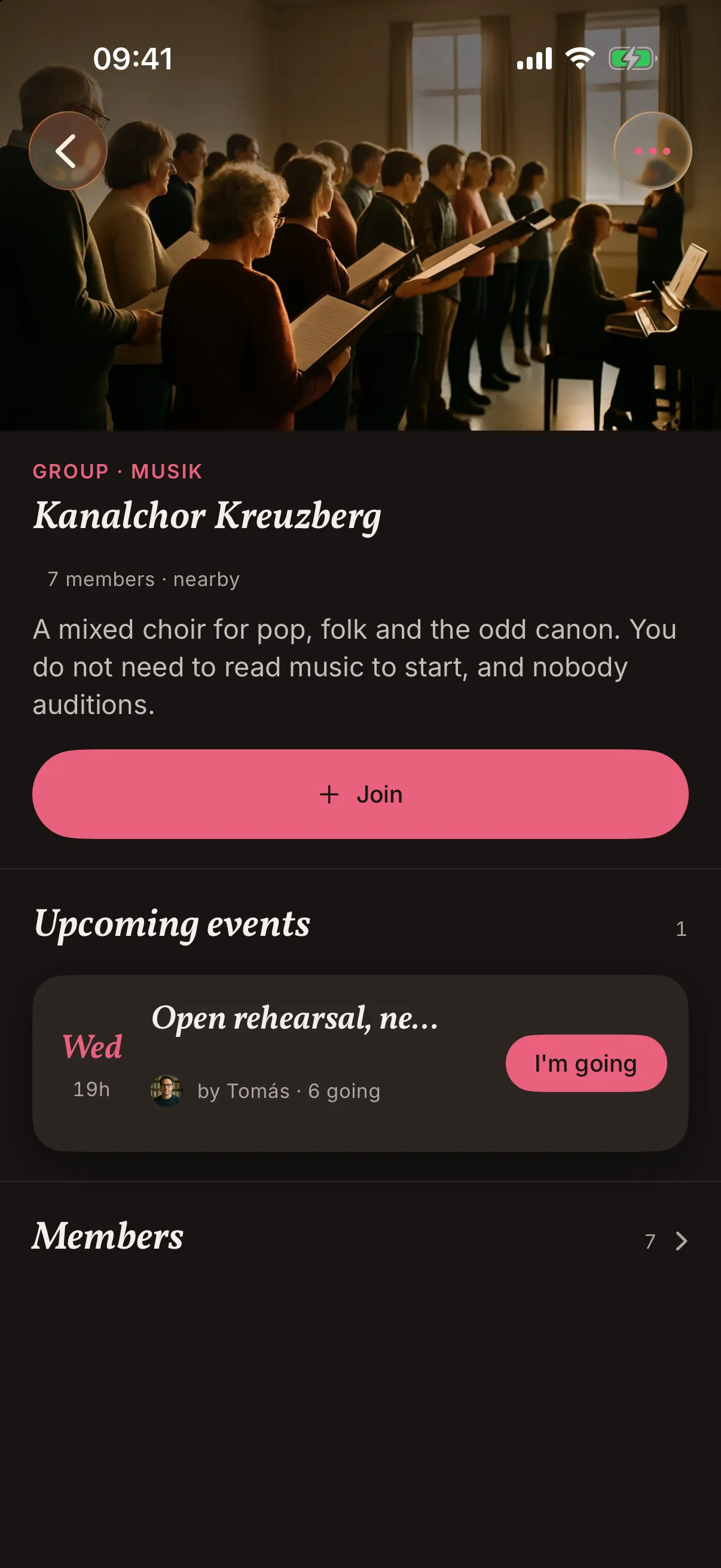
Screens from the iOS app, with demo content for a run club that does not exist.
From a desk
Set it up at a desk if you like.
Groups can be created and looked after in the web console as well. That helps when one person does the setting up for the whole club.
Where this is going
Not there yet, on our list.
Some of these may not be available yet, and none of them has a date.
Coming
Events that repeat
The Tuesday run, set up once and repeated every week. People only ever see the next one.
Coming
A waiting list
When a class is full, people can join a queue. If someone drops out, the next in line gets the place, and there are no messages for you to sort.
Coming
When training moves
If the hall is shut or training moves, everyone who said I'm in hears about it before they set off.
Before you plan around it
What snakken does not do for your club.
No membership admin
Dues, membership records and match reports stay in the tools your club already uses. snakken covers the part the neighbourhood sees, which is where you meet and when.
No paid reach
Groups and their events reach the people around them. Nobody can pay to reach people further away or to pick who sees them.
No tickets, no payments
Selling tickets for the summer concert? Keep using the shop you have. Payments are not part of snakken.
Questions from people who run clubs.
Who can start a group?
Anyone. Whoever starts it owns the group, and any member can add an event to it. Groups and their events show up for people in the area around them.
Can a club have several groups?
Yes. Start one for each team or circle. To look after them together, create an organisation in the web console, and write to us if you want a hand.
Do members need the app?
Yes. People join a group and answer I'm in on its events in the app.
What does it cost?
Nothing is decided yet, so there is no price list. If your club has to know before a members' meeting, write to us.
A few lines are enough: what the club does, where it meets, and how many groups it has. We reply with what your club can use today and what is not built yet.