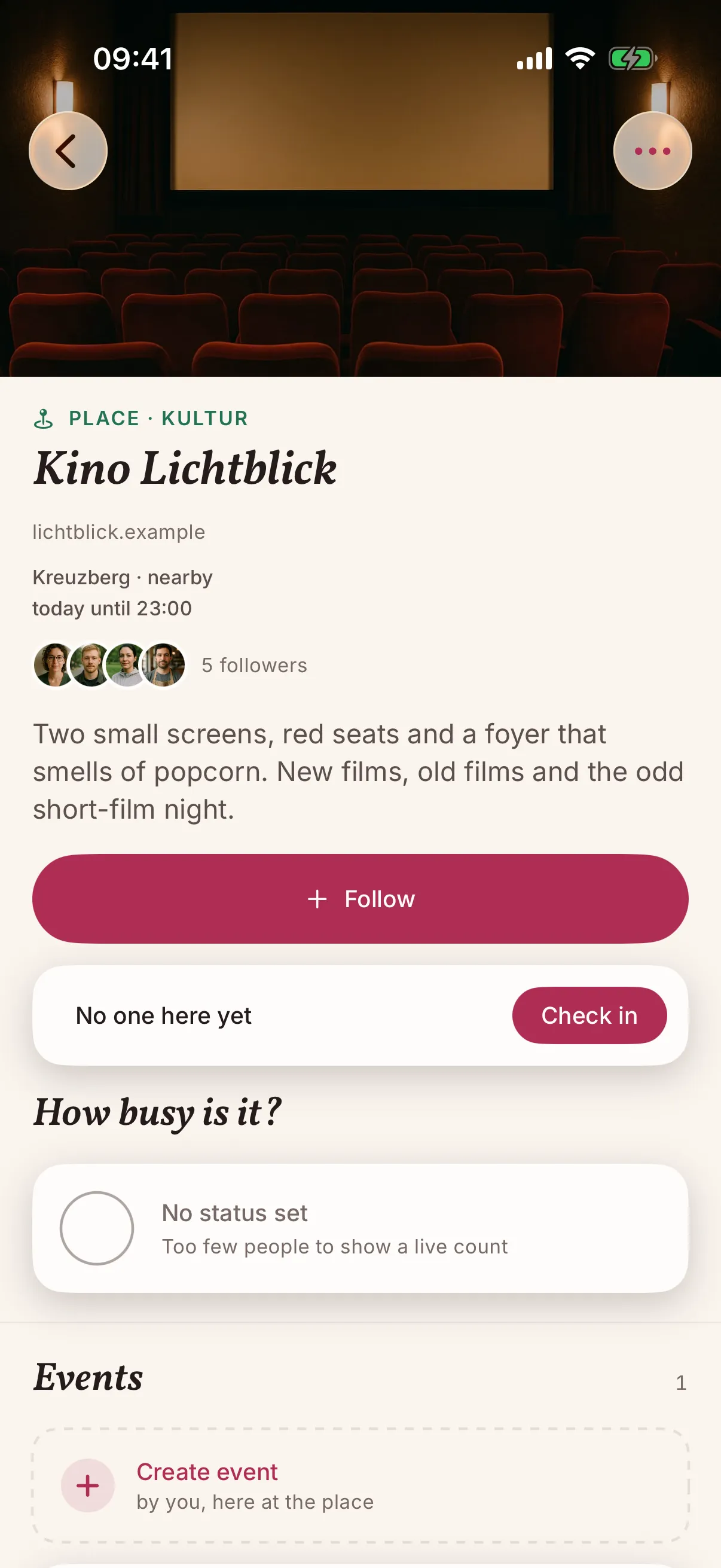
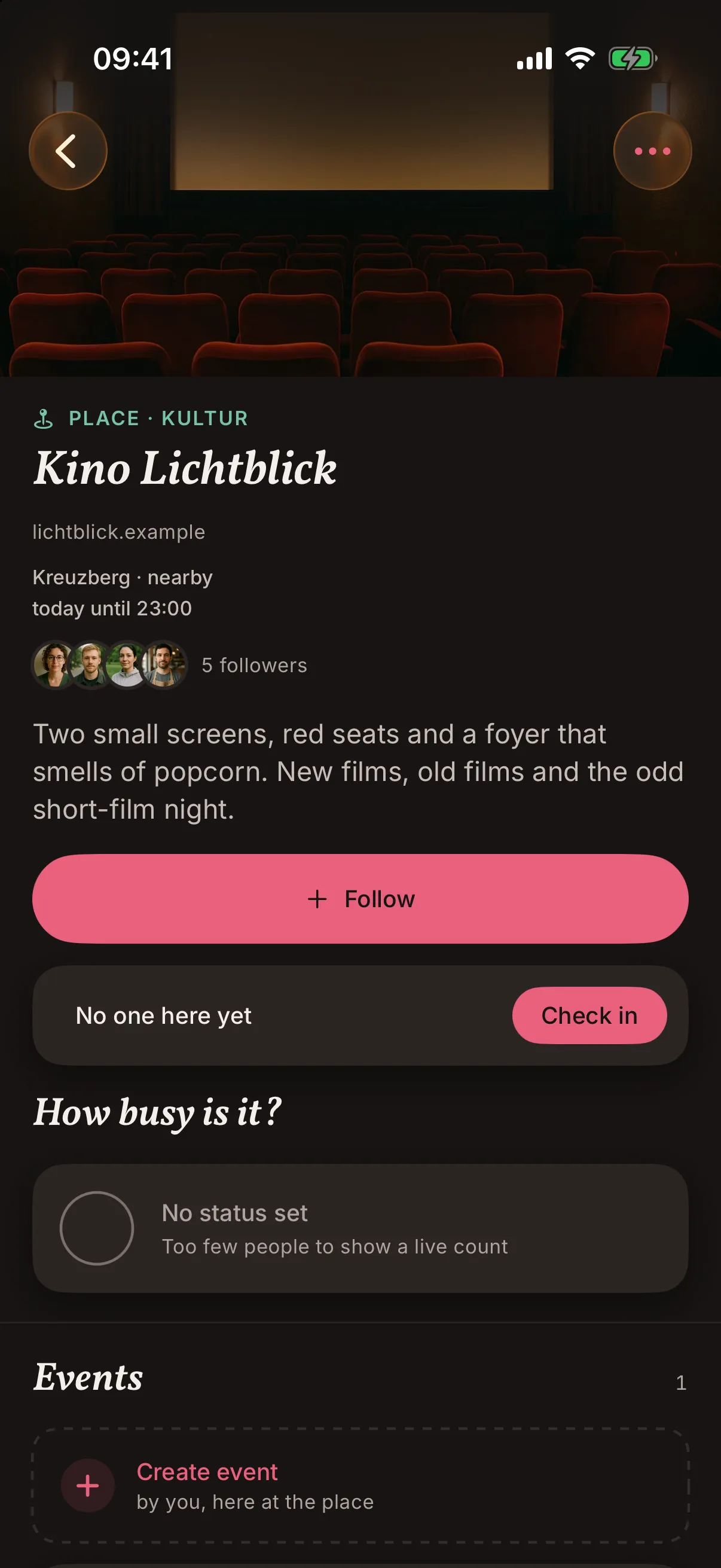
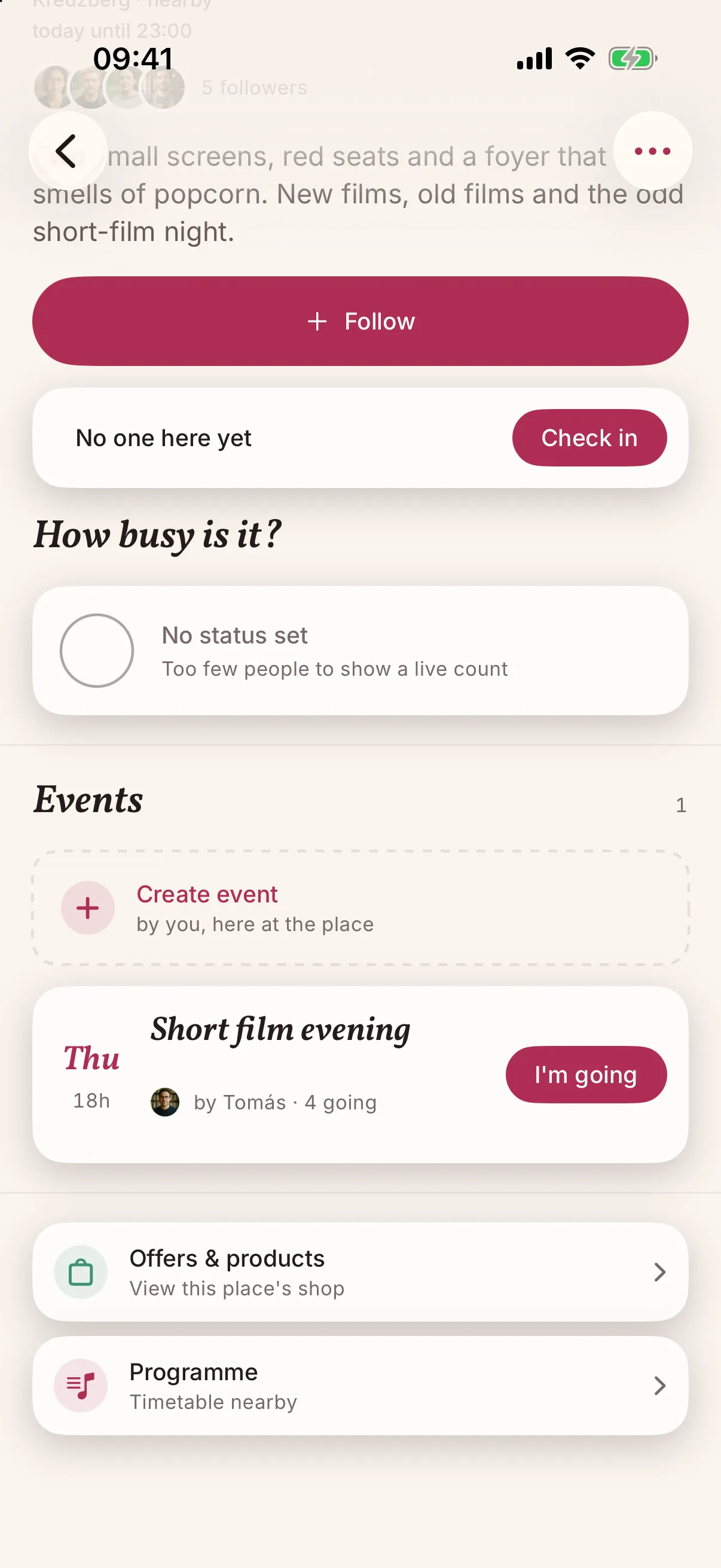
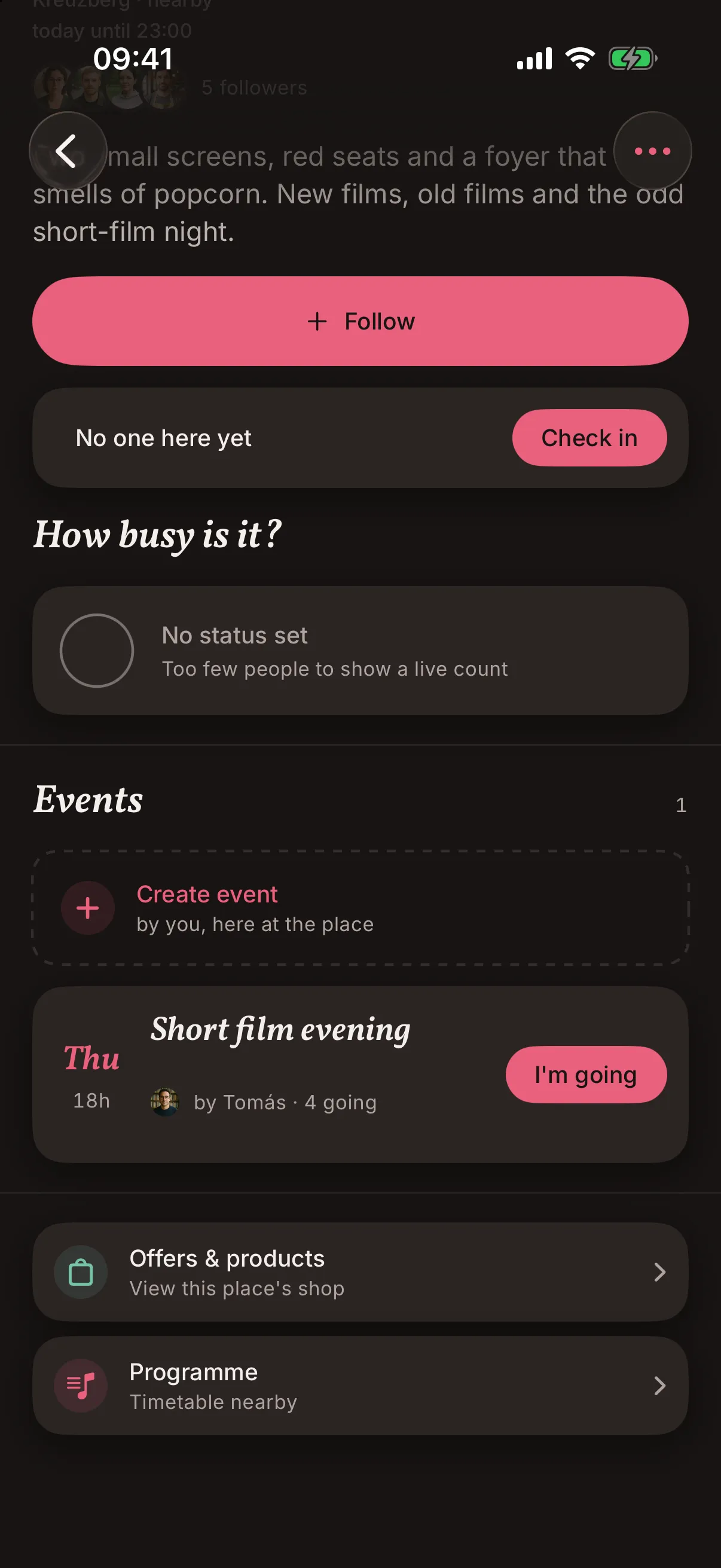
Screens from the iOS app, filled with demo content. The cinema and the people in the feed do not exist.
A film at eight, a reading on Thursday, a double bill on Sunday. Each showing is an event on your page, so people nearby see it under What's on and can tap I'm in.
Once your hours are in, people nearby see your place in their feed while you are open, and can follow it. You see how many do.
Find your place or add it. Then confirm it is yours by adding a short code to your website's domain settings. There is no application and no phone call. No website? Write to us.
Opening hours, including holidays. Up to ten photos, with the first as the cover. A short note on what you do.
A note about tonight's late showing. Notes can expire on their own, so yesterday's news does not hang around.
People can check in while they are there, and your page shows how many are in the room. Never a list of names.
Imagine a cinema with two screens and five showings a day. Each showing is its own event with its own start time, entered in the web console on Monday for the week ahead. People nearby see tonight's films under What's on, with a Today tag, and the count of I'm in shows how the evening is shaping up.
Events that repeat are on our list, so for now every showing is entered one by one. This is an illustration, not a result.
Screens from the iOS app, filled with demo content. The cinema and the people in the feed do not exist.
Your guests use snakken on their phones. For you there is also a web console with your profile, opening hours, photos, notes and events, handy when you sit down to sort out a new set of pictures.
Some of these may not be available yet, and none of them has a date.
When someone is at your place, the app asks whether they are there. The phone works this out by itself, so their exact location still never leaves it.
The quiz on the first Thursday, put up once and every month after. People see the next date, not a pile of old posts.
Prices are for display. Keep taking orders and table bookings the way you do now, as snakken does not handle them, and payments are not part of it.
Your place shows up by being near and open when people look. Nobody can pay to move it up, and there are no ads.
You see how many follow your place and how many are checked in. Their names and contact details are not passed on to you.
Add each showing as an event. For now that means one by one, and the web console helps when you plan a week at a desk. Events that repeat are on our list.
The person who runs it, once they add a short code to the website's domain. Several branches? Write to us, as that needs a little more setup.
Yes. Anyone can add a place, and once it exists you can claim it. If someone reports a place, we review it.
Yes. A claimed place can list products with a price for display and offers with a code that people show at the counter. Nothing is paid through snakken.
There is no price list, because we have not decided on one. Ask us if you need to know before you claim your place.
The traffic light is for places that belong to an organisation account, and it is set in the web console. Write to us if you want that. Guests can also check in on their own, and your page then shows how many are in.
No. The page shows how many follow and how many are in, and nobody's name or address comes with it.
A few lines are enough: what it is, where it is, and what you would like to do with it. We write back with what your place can do today, and what is still missing.
This opens your mail app. There is no form and no tracking behind it.